UX CASE STUDY
Smart Home App

Create intelligence right in your building on iOS devices (iPhone) and Android devices (z fold)
Role
UX/UI Designer, Researcher
TimeLine
May - Oct 2023
Categories
System
Client
Ravengame Crop






Create intelligence right in your building on iOS devices (iPhone) and Android devices (z fold)
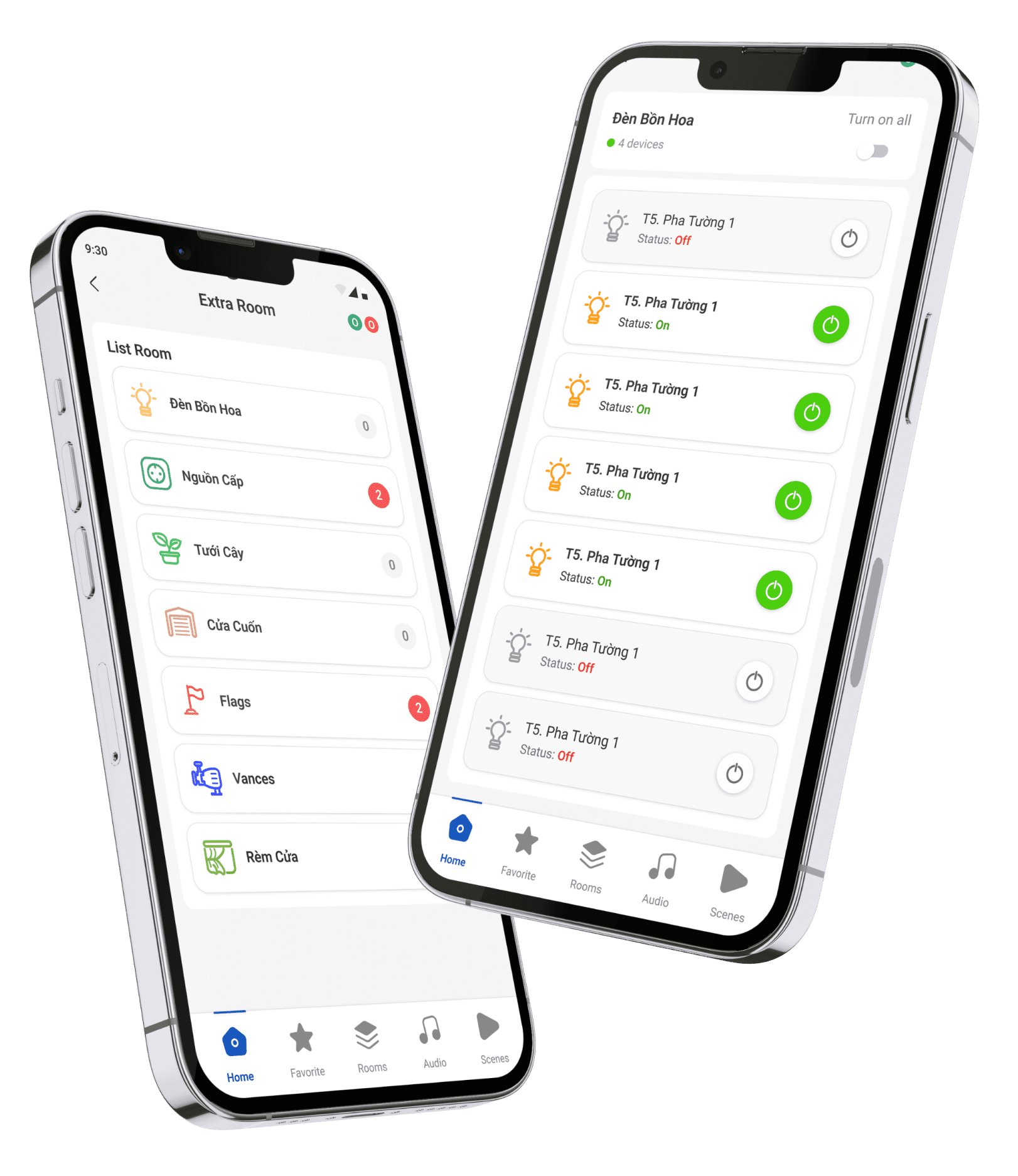
Welcome to the future of living with our Smart Home App, a breakthrough in the integration of smart technology into the daily lives of Vietnamese families. Embracing the power of automation, our application transforms ordinary homes into hubs of convenience, comfort, and security.
With just a tap on your smartphone, control and monitor your home's lighting, temperature, and security systems from anywhere. Our Smart Home App seamlessly integrates with a variety of devices, enabling you to create custom schedules for appliances, ensuring energy efficiency and reducing costs. Imagine your air conditioner knowing exactly when to cool your home for your arrival, or your lights adjusting to the perfect brightness to suit your mood.
In a country where family is the heart of the home, the Smart Home App ensures that every moment you spend with your loved ones is comfortable, secure, and connected. Join us in revolutionizing the way Vietnam lives, one smart home at a time.
UI layout was cluttered and unclear, making navigation confusing
Users had to scroll excessively to find key functions
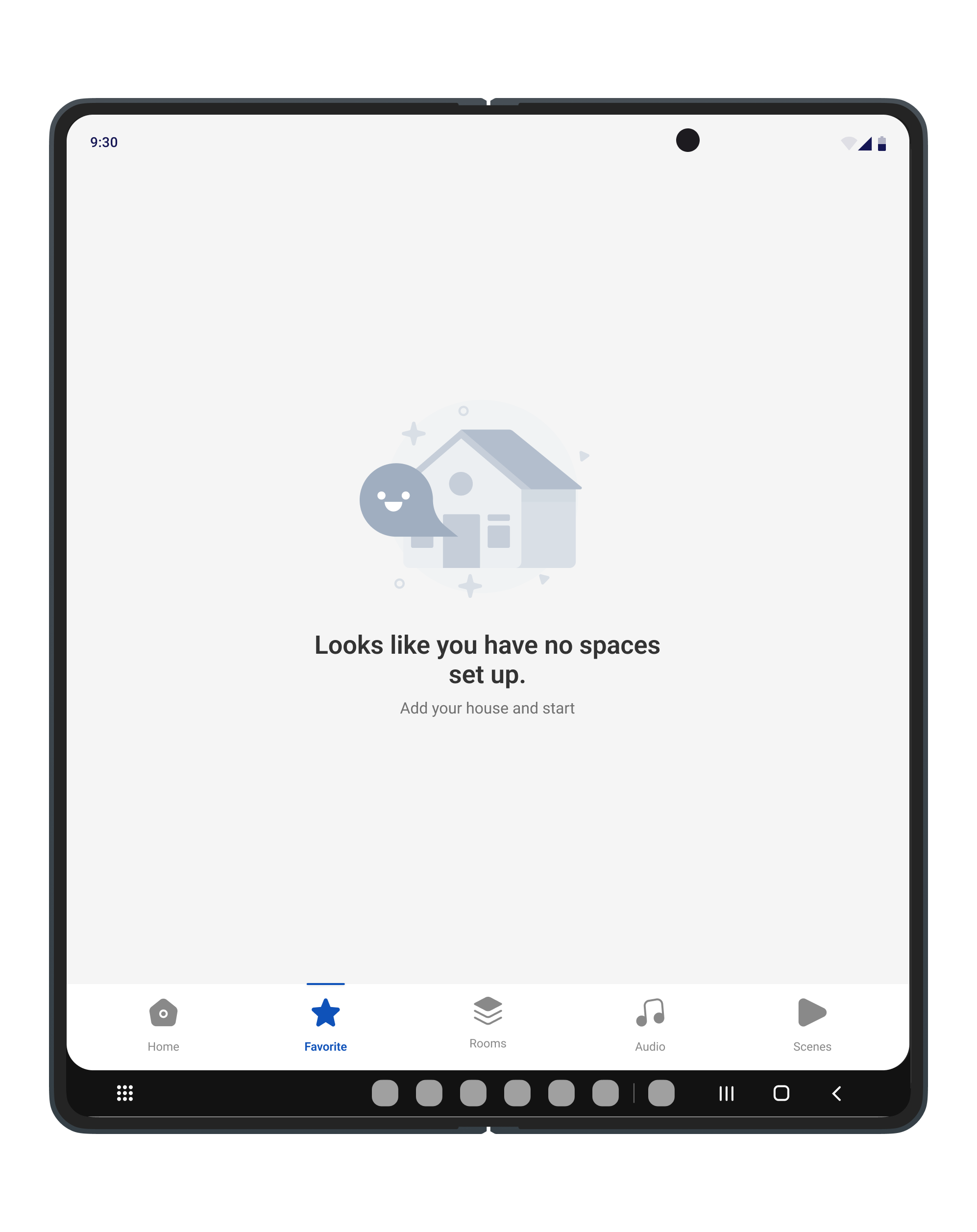
Bottom navigation bar was not well structured, leading to poor accessibility
Room and floor organization lacked hierarchy, making it difficult to locate devices
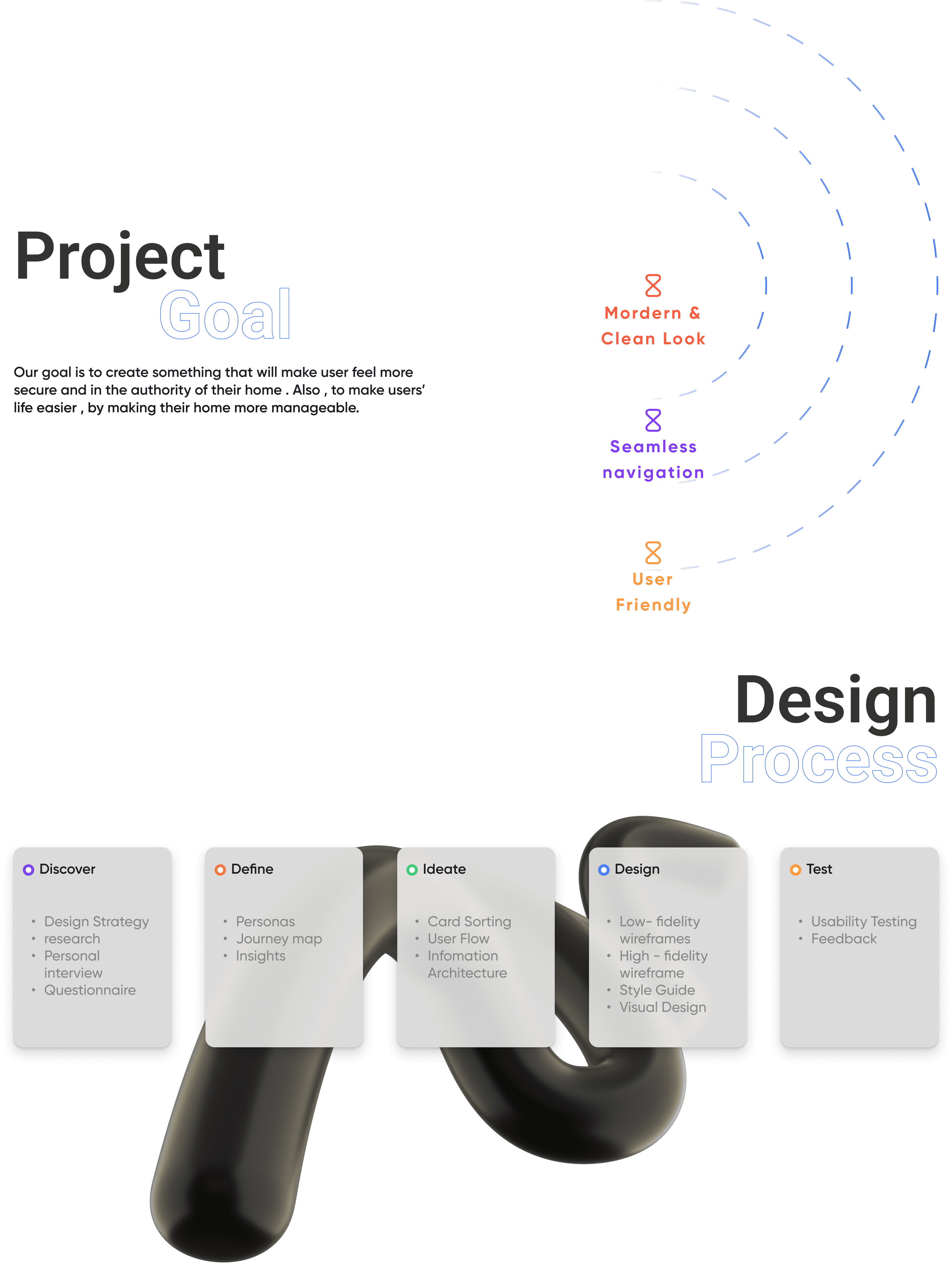
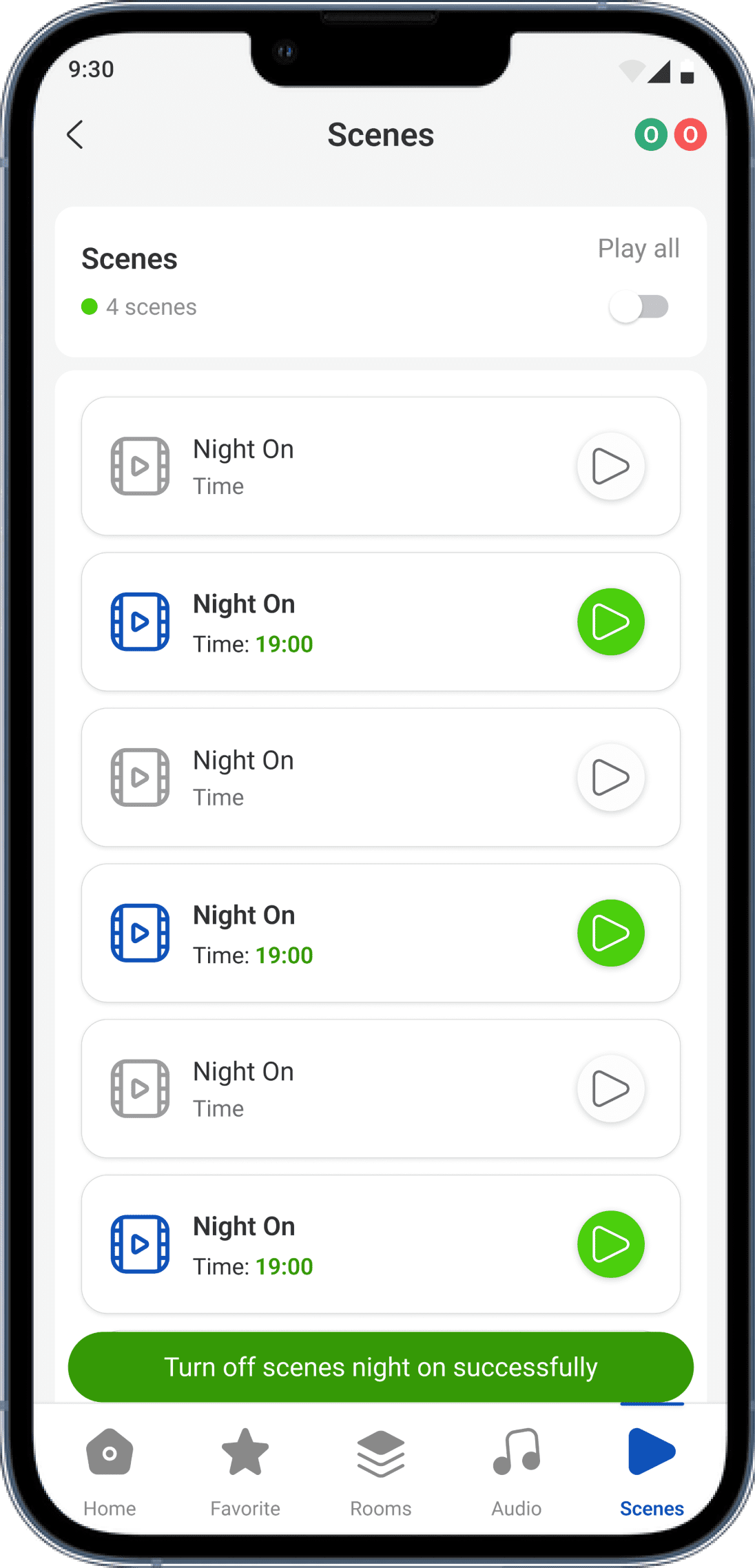
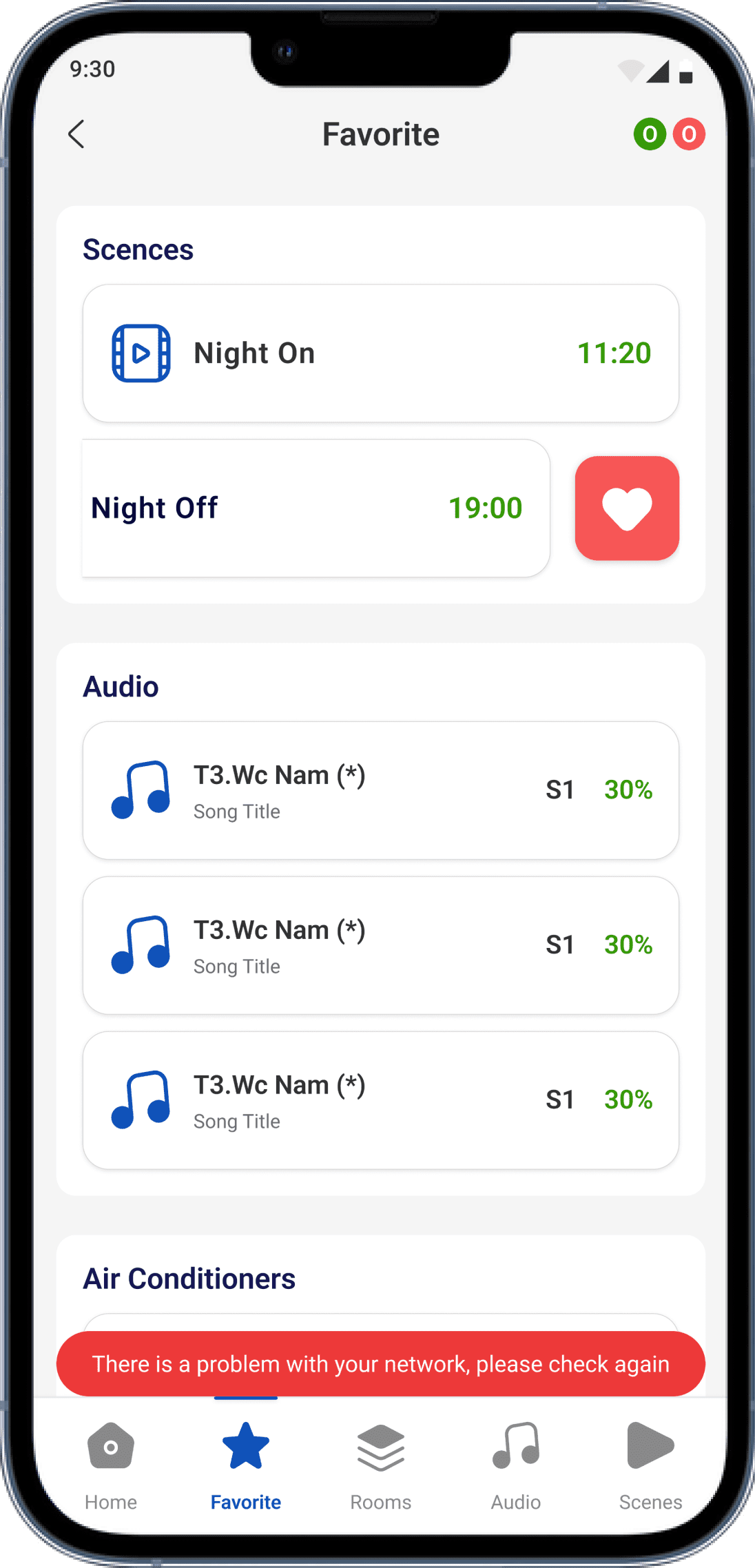
Improve layout clarity and visual hierarchy for easier navigation
Reduce scrolling and simplify the overall user flow
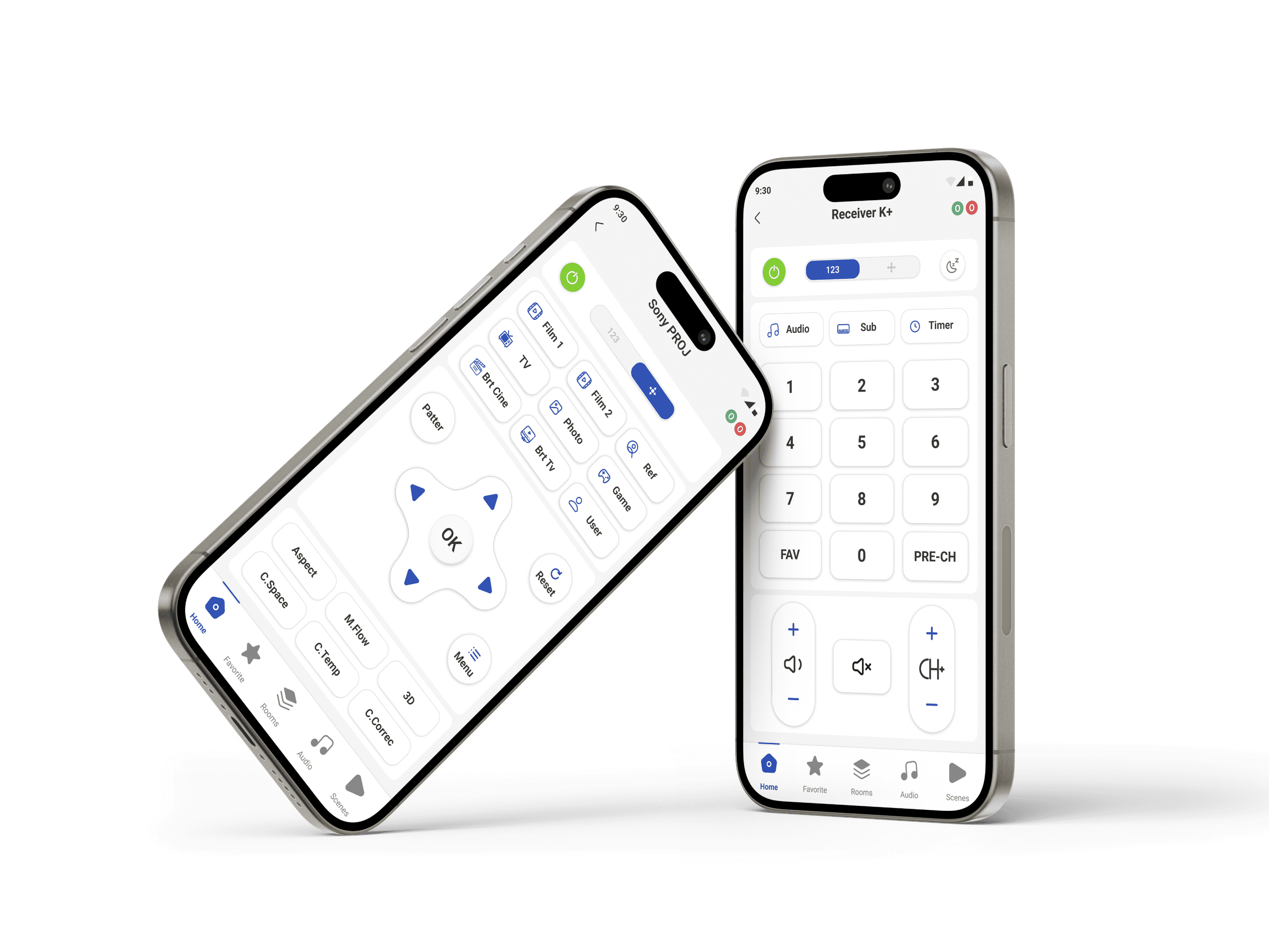
Redesign bottom navigation for better structure and usability
Reorganize room and floor sections for a more intuitive experience
Step 1
Step 2
How might we improve the user interface to make navigation more intuitive and reduce unnecessary scrolling?
Benefit: By restructuring the layout and grouping related functions together, allowing users to access key features faster without excessive scrolling.
How might we clarify the purpose of each feature and improve visual communication?
Benefit: By redesigning icons, applying consistent color schemes, and labeling each function clearly for better recognition.
How might we improve the bottom navigation bar for a more logical structure?
Benefit: By reordering and renaming tabs to reflect user priorities, making the main features accessible with one tap.
How might we help users find and manage rooms or floors more easily?
Benefit: By adding clear filters, floor indicators, and categorization to enhance discoverability and reduce confusion.
How might we enhance the overall comfort and satisfaction of the app experience?
Benefit: By minimizing visual clutter, ensuring responsive interactions, and creating a smoother, more comfortable user journey.
How might we make the system scalable for future smart home functions?
Benefit: By designing modular layouts that allow easy addition of new devices or features without disrupting the UI.
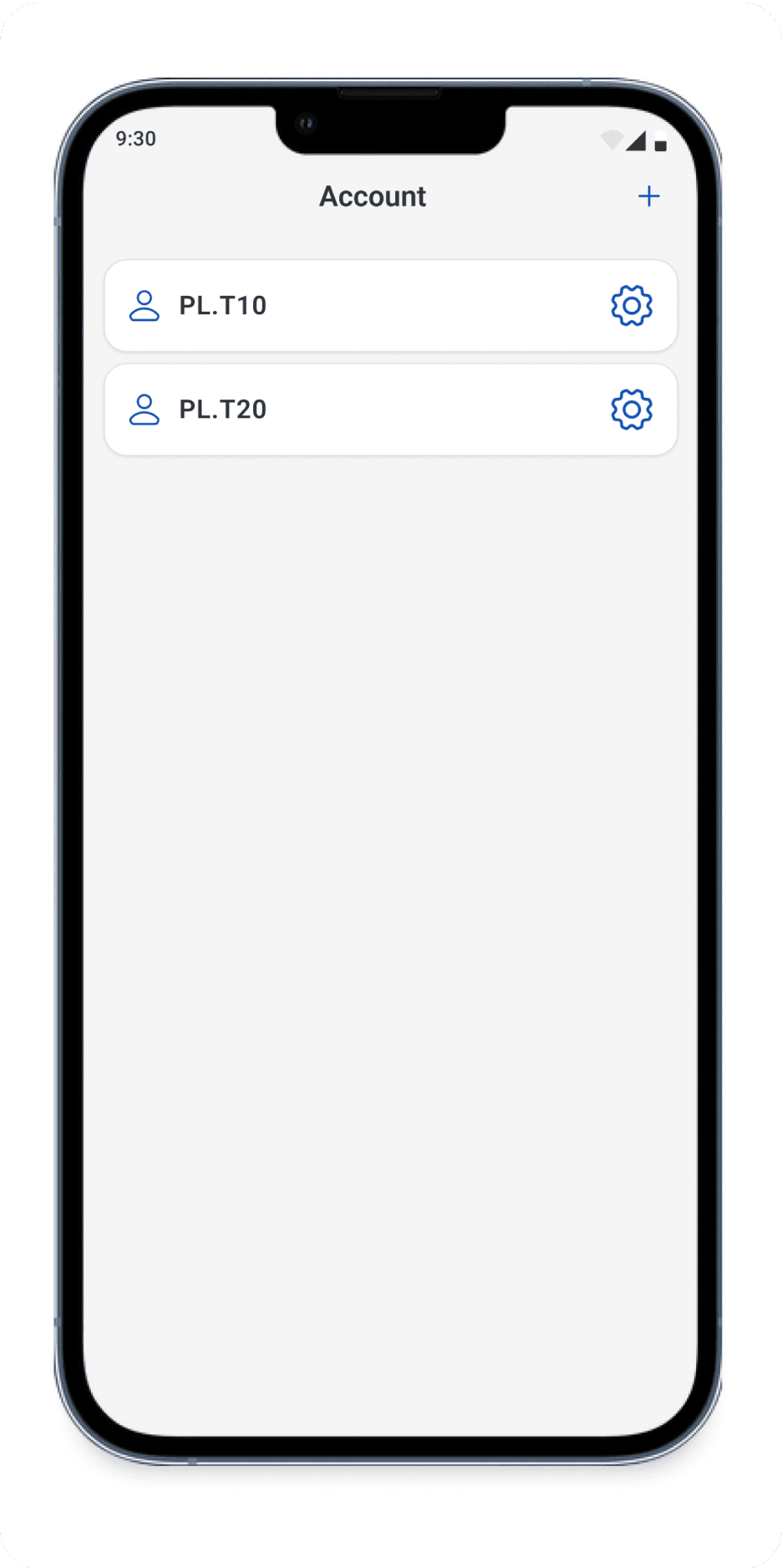
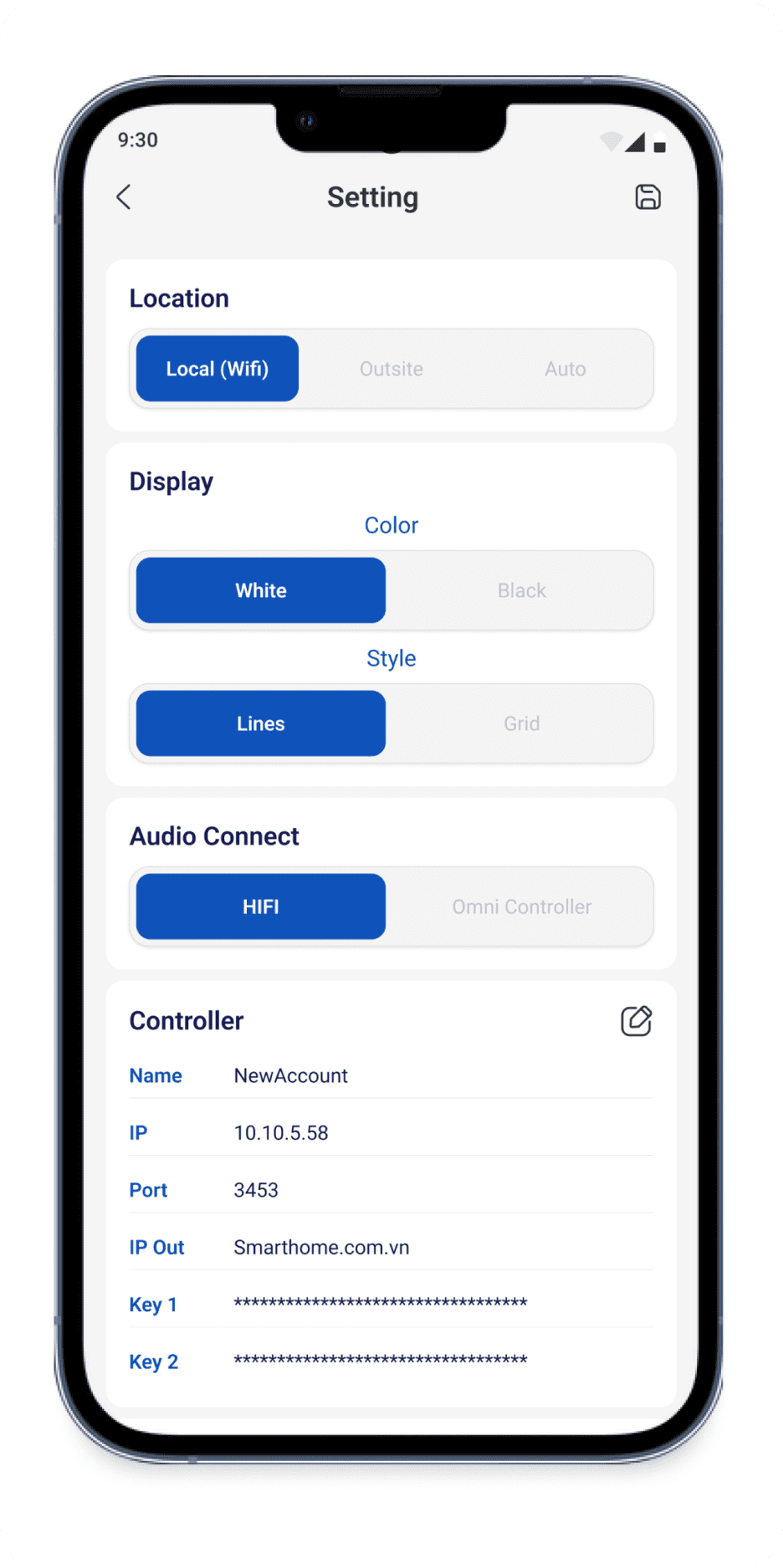
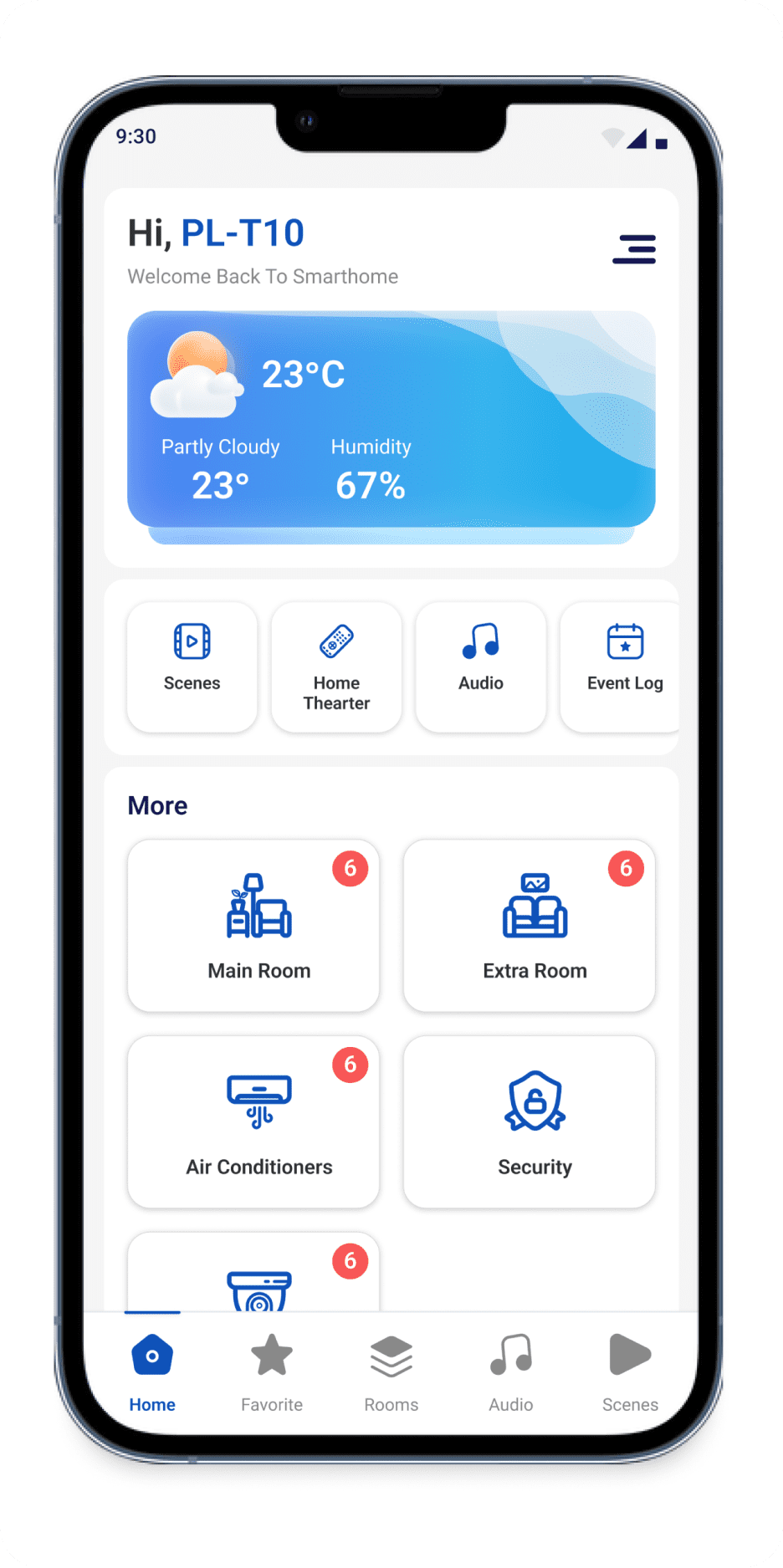
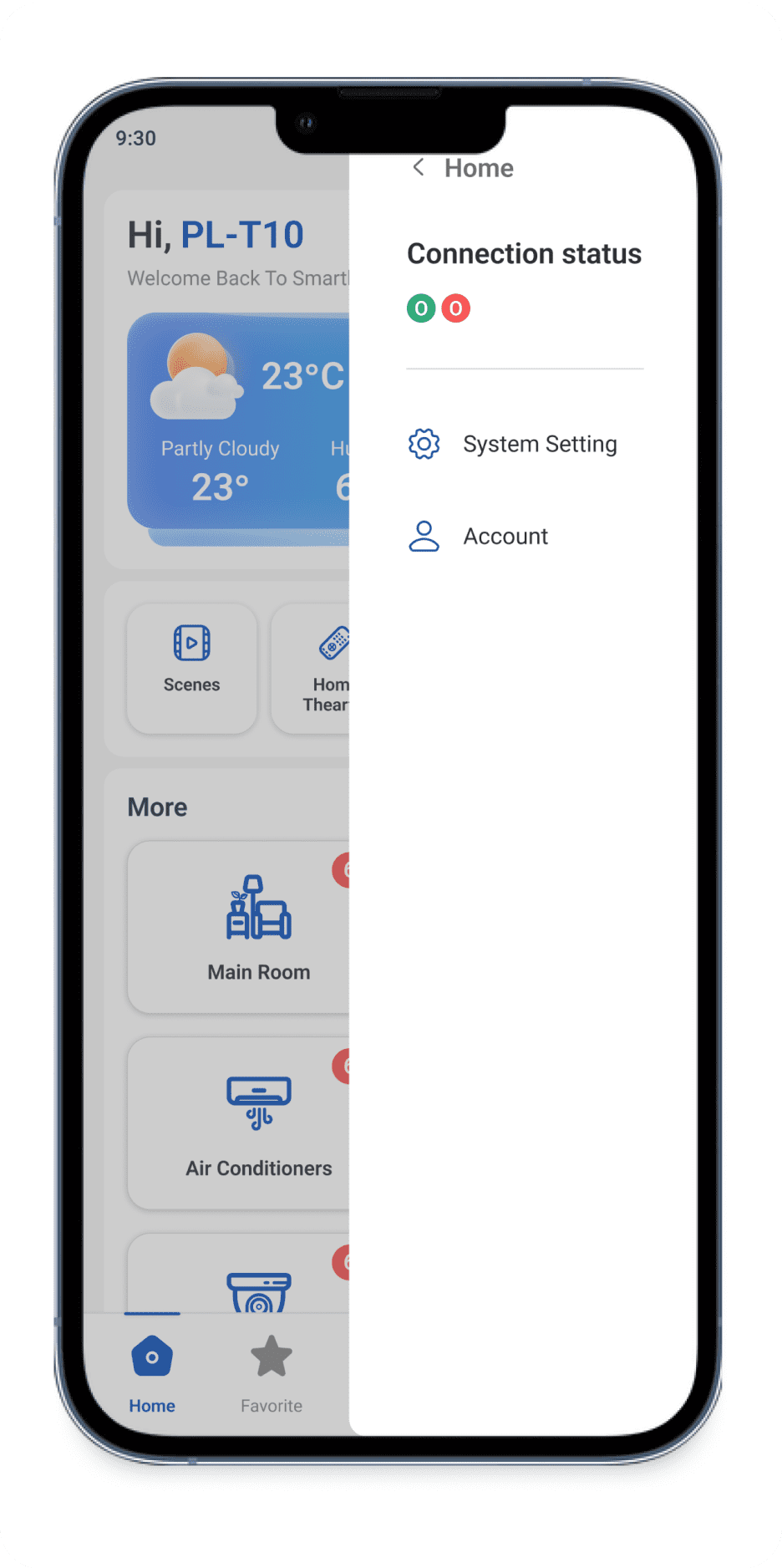
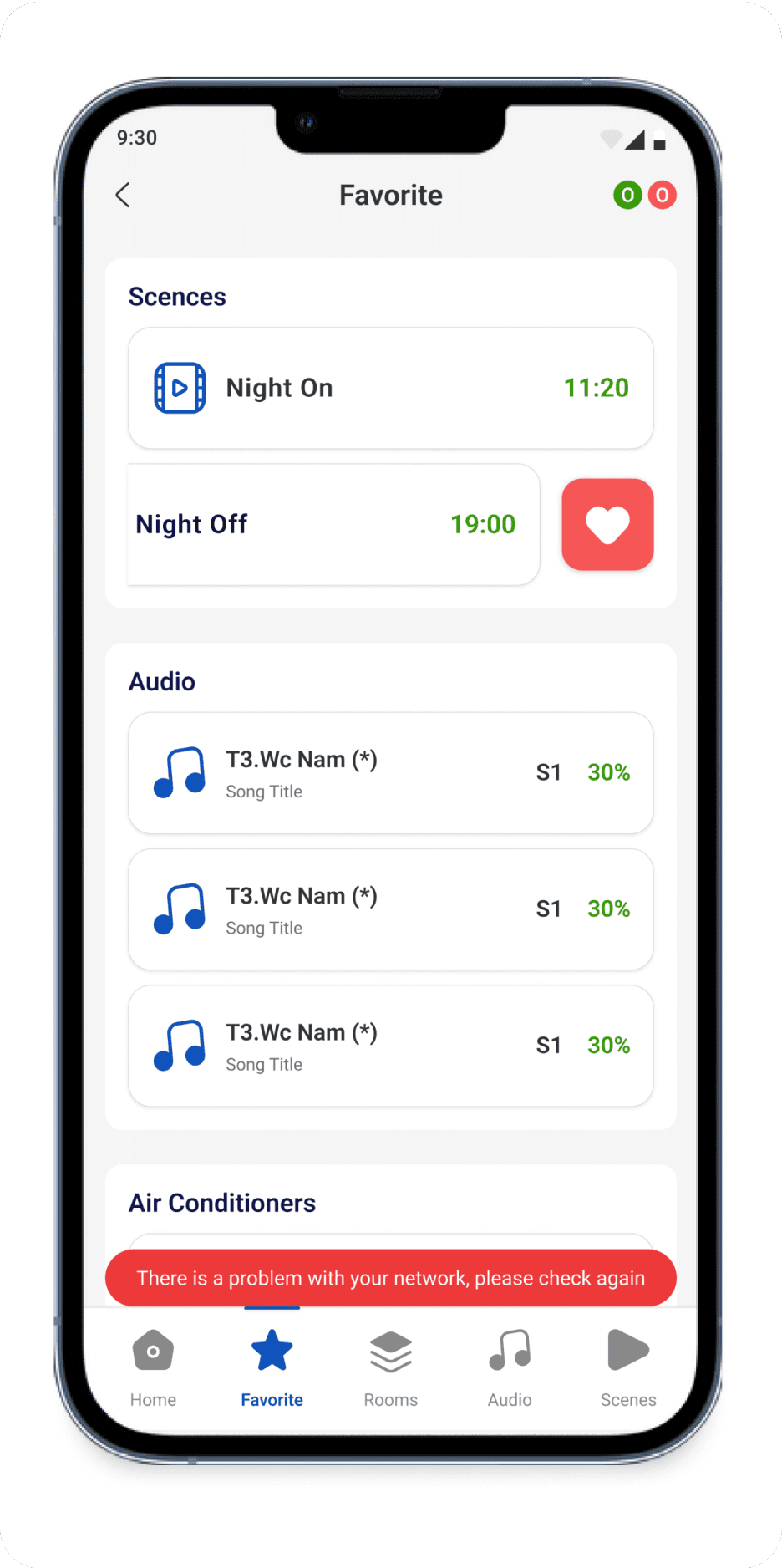
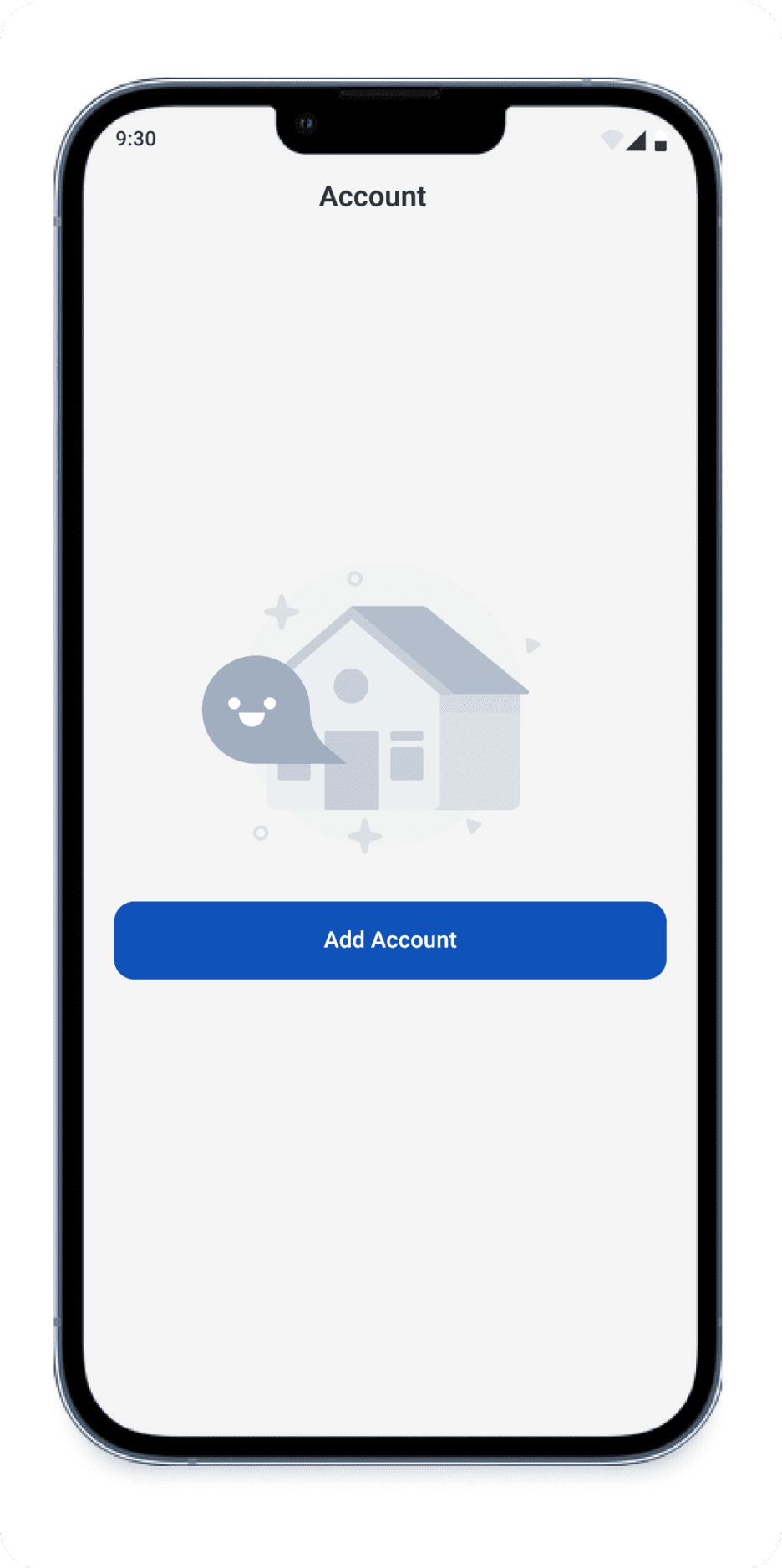
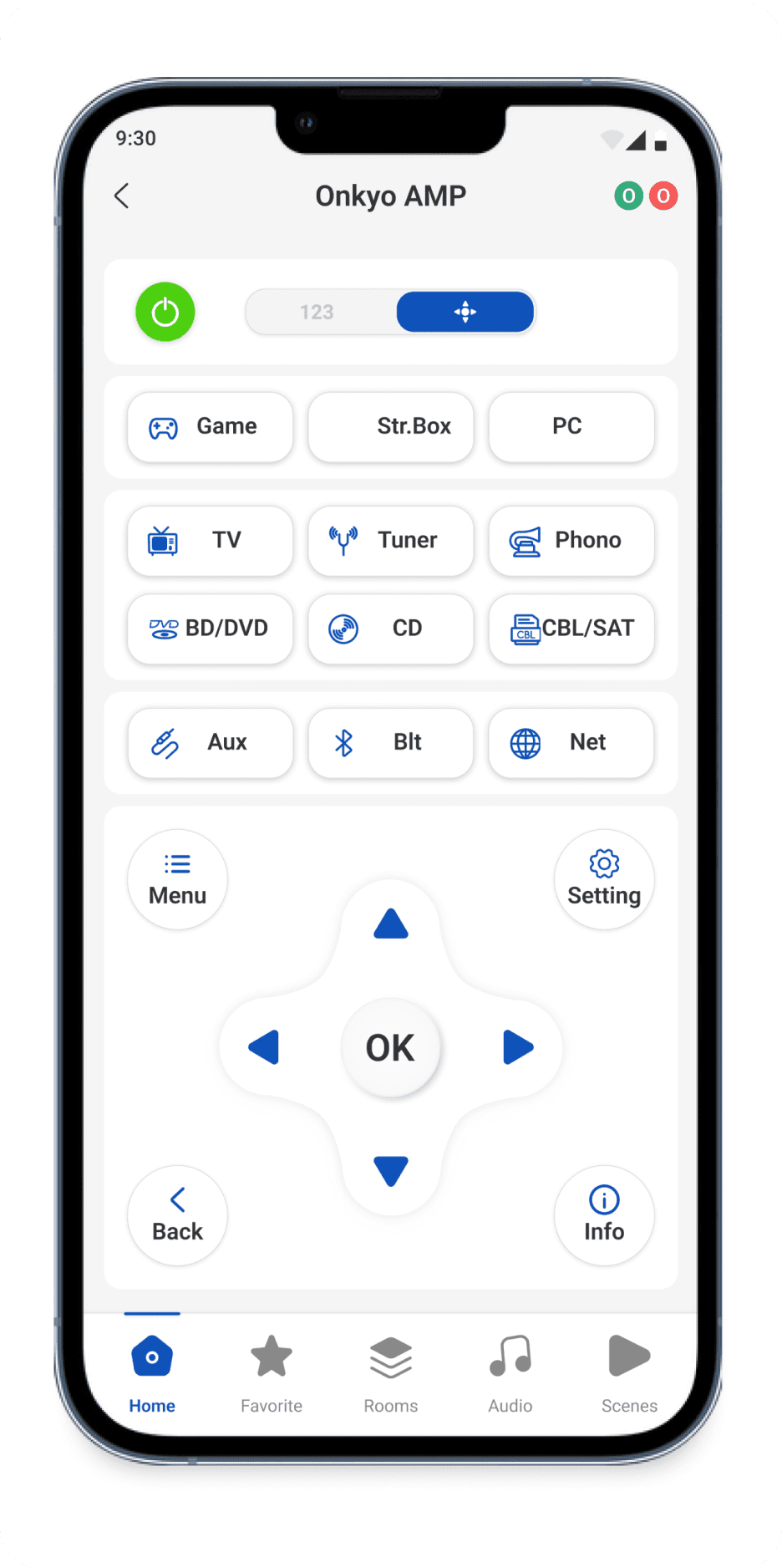
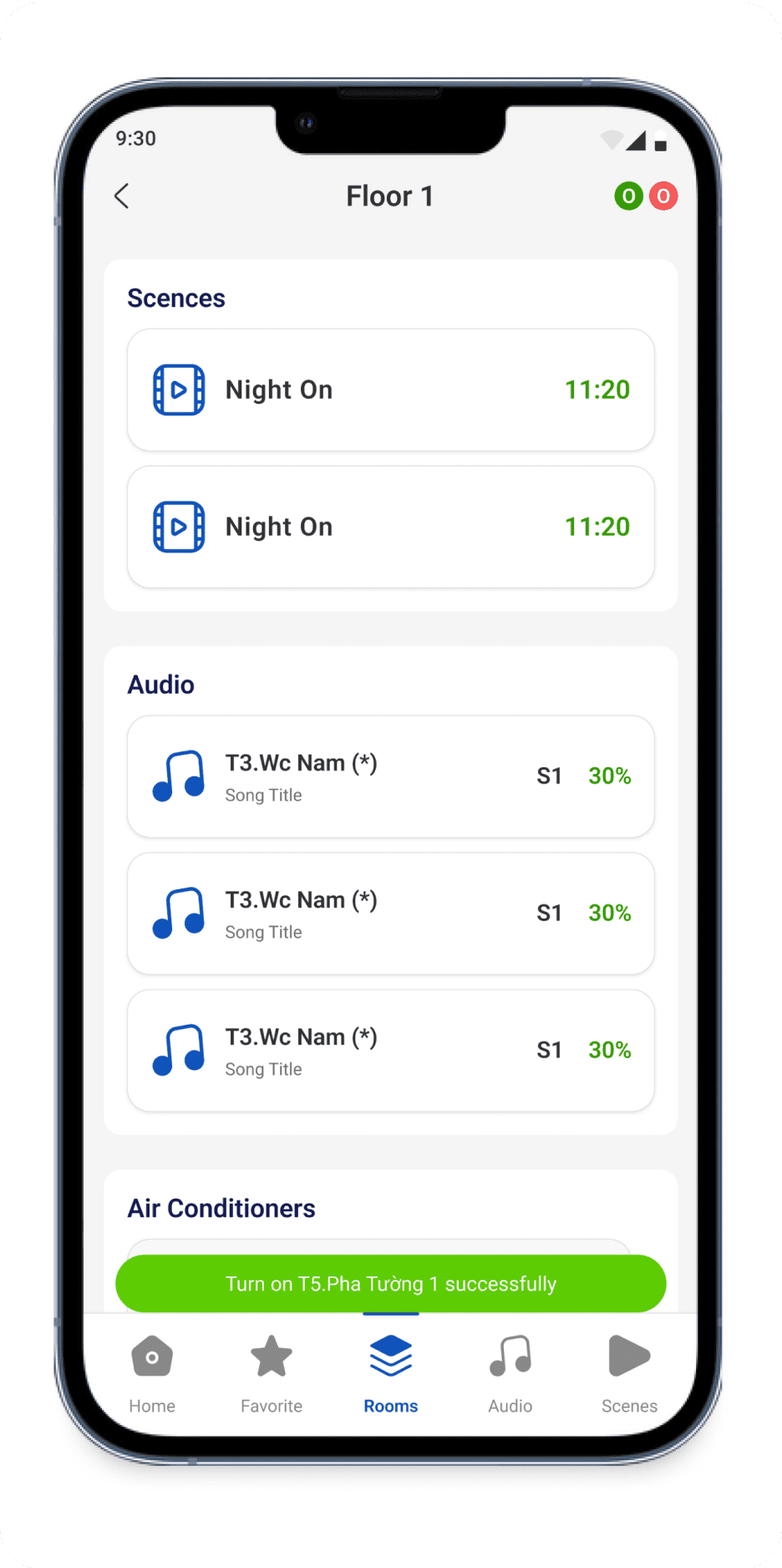
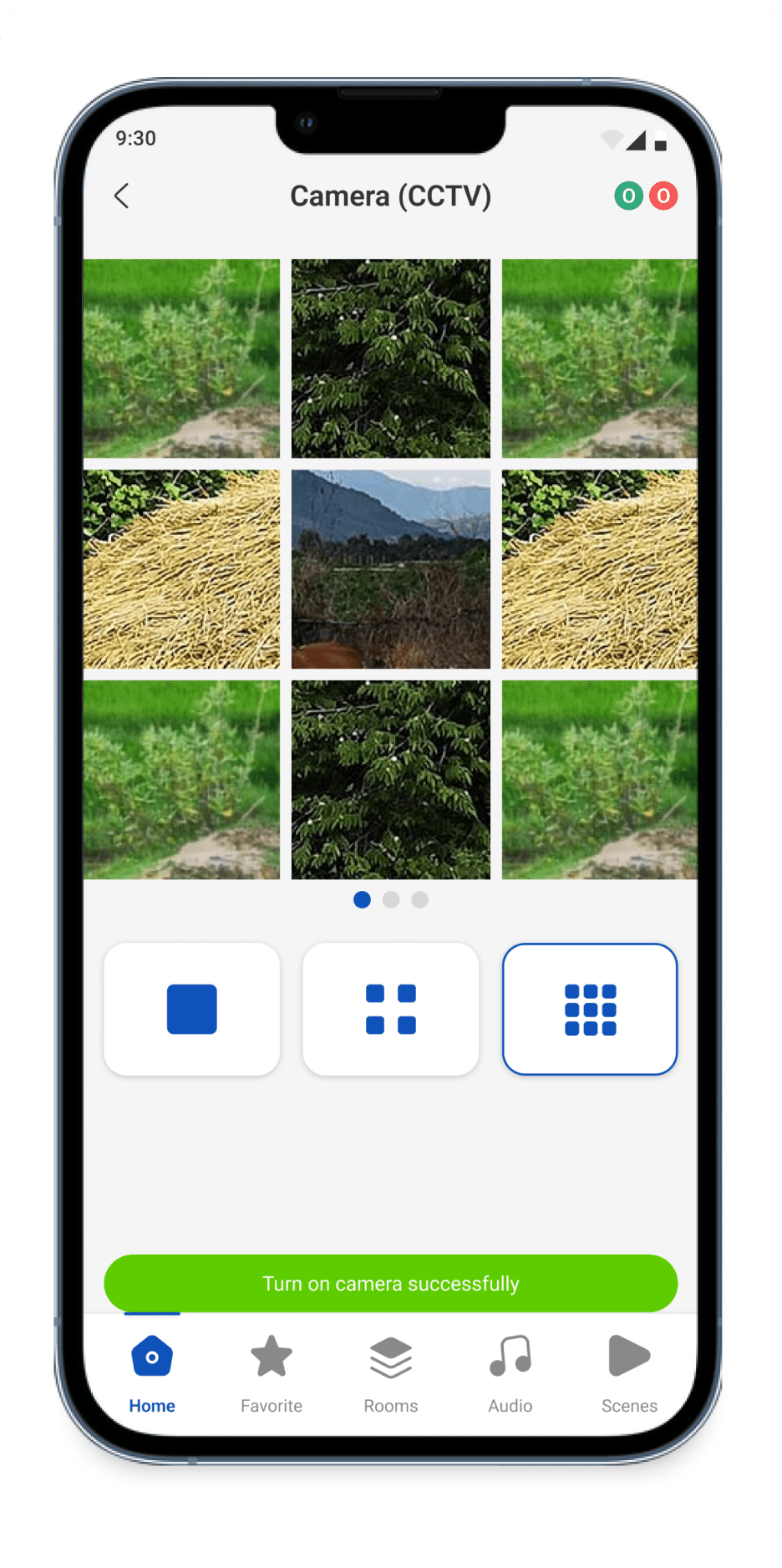
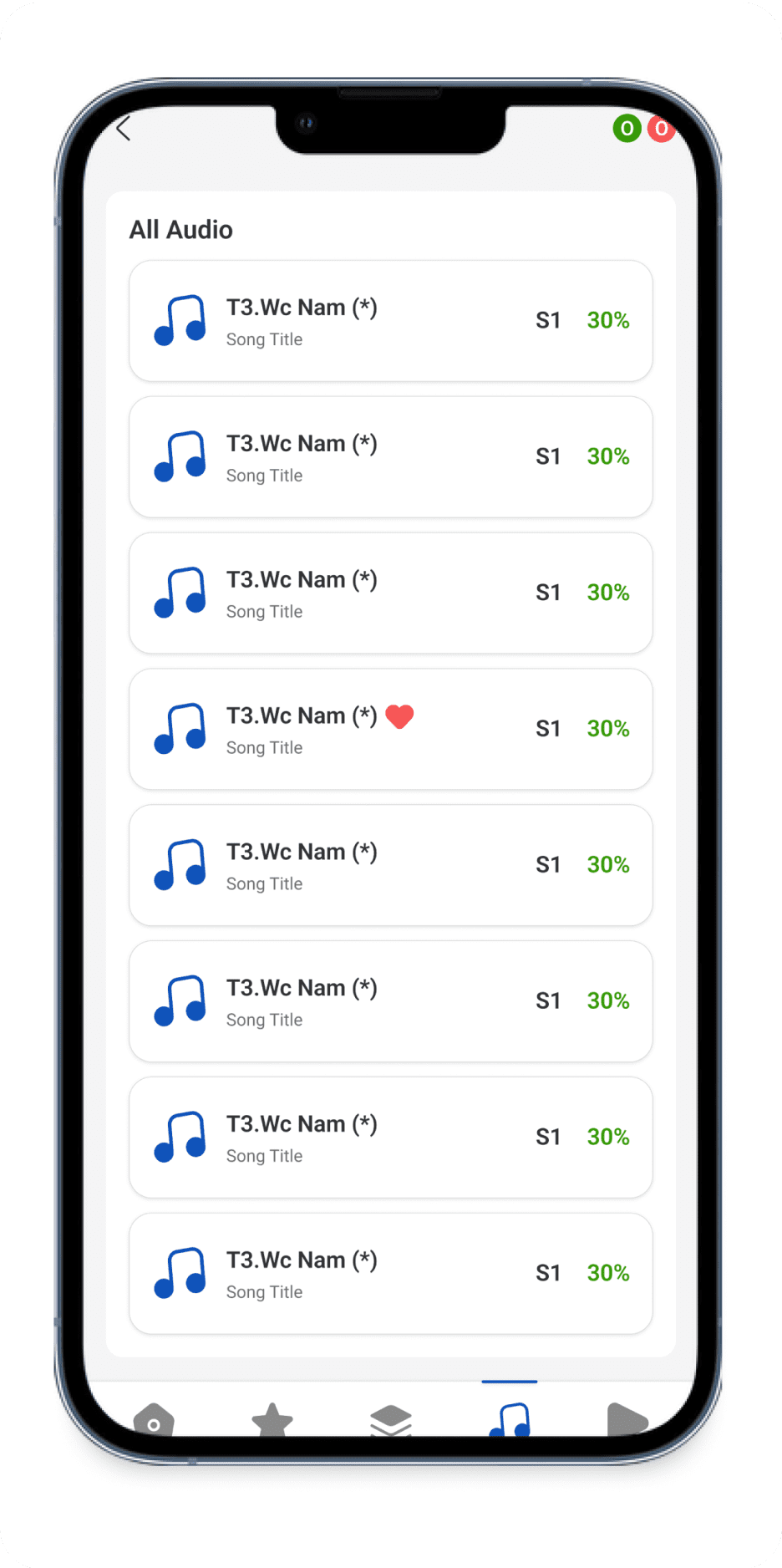
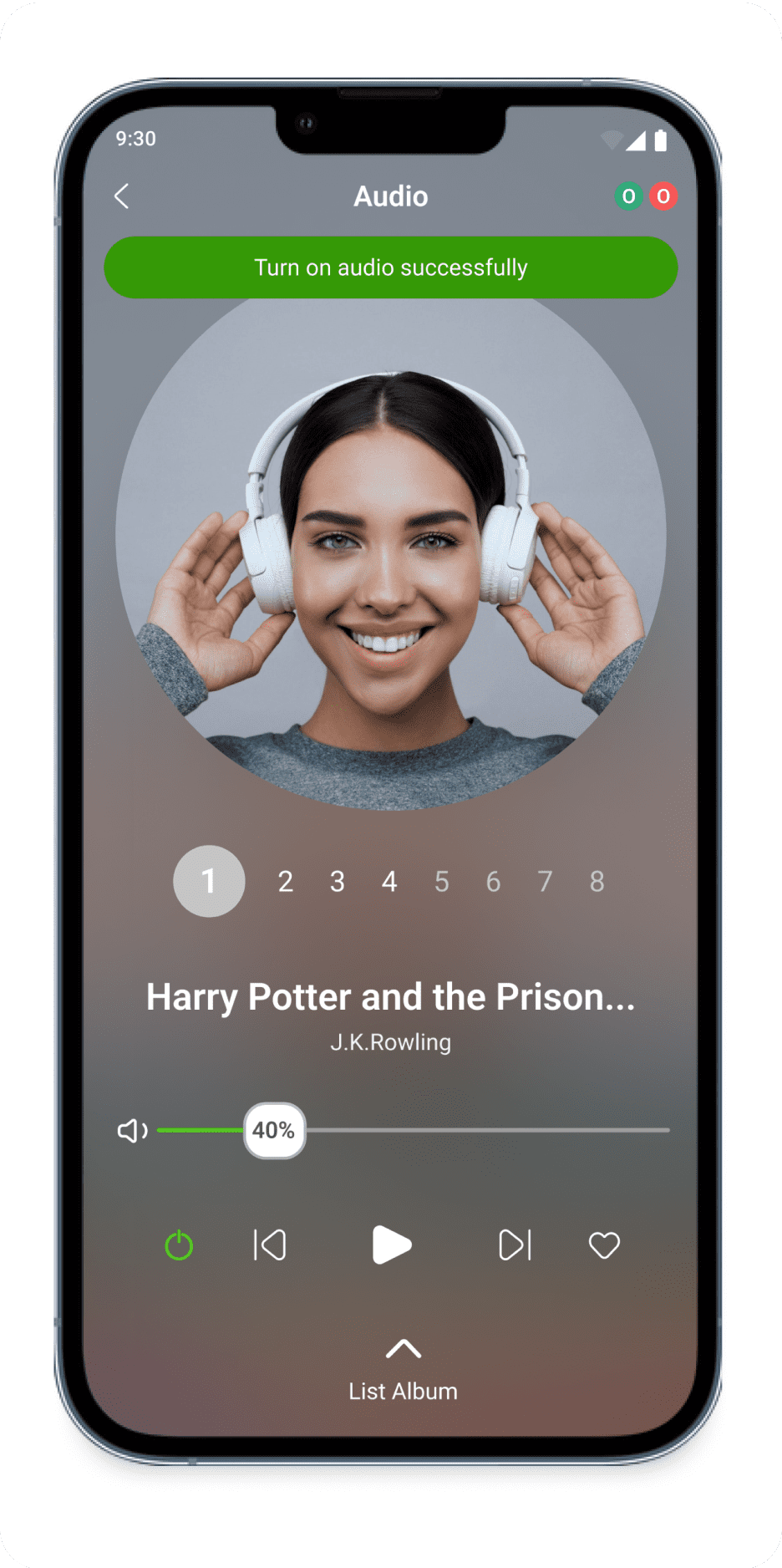
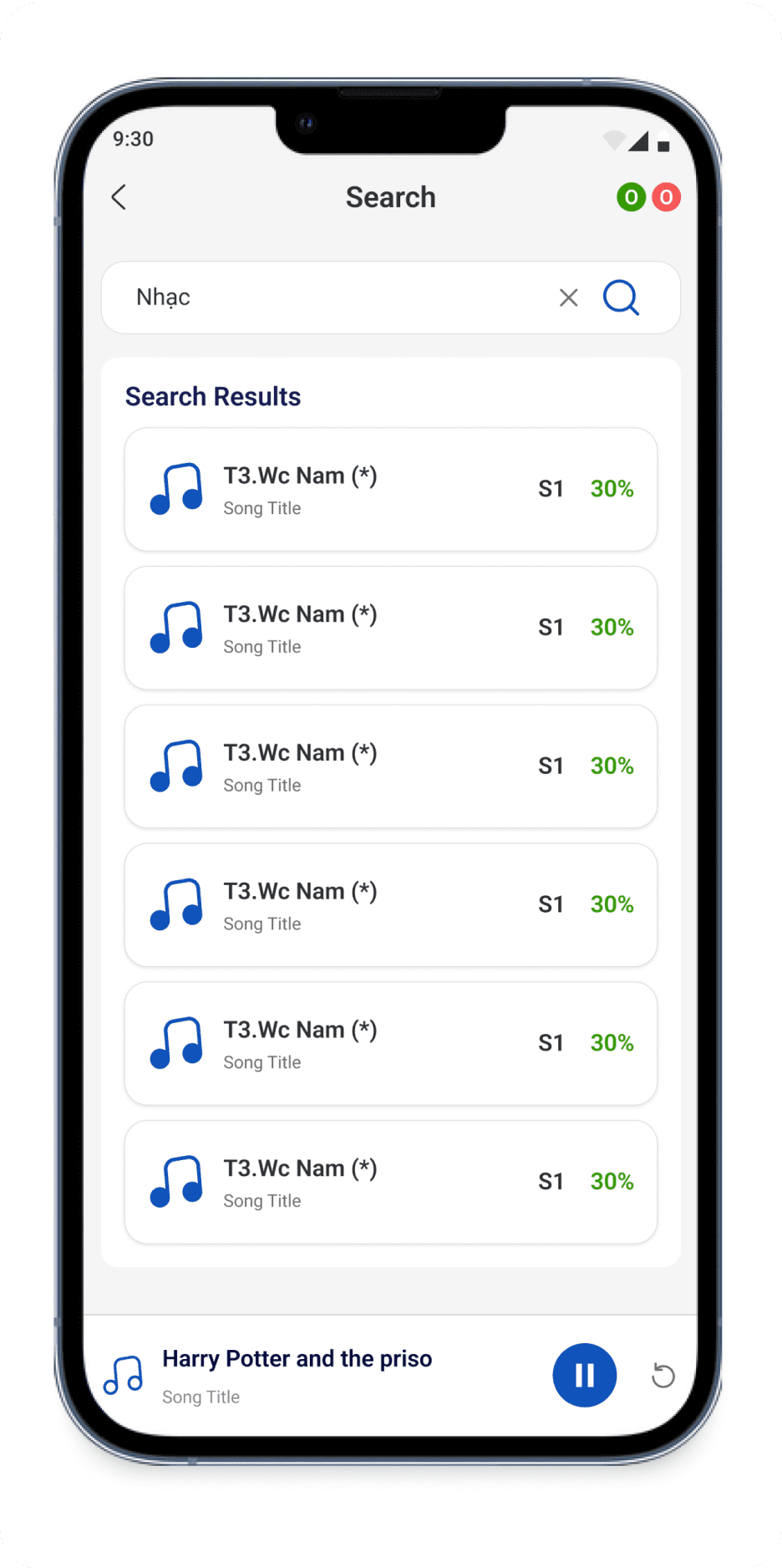
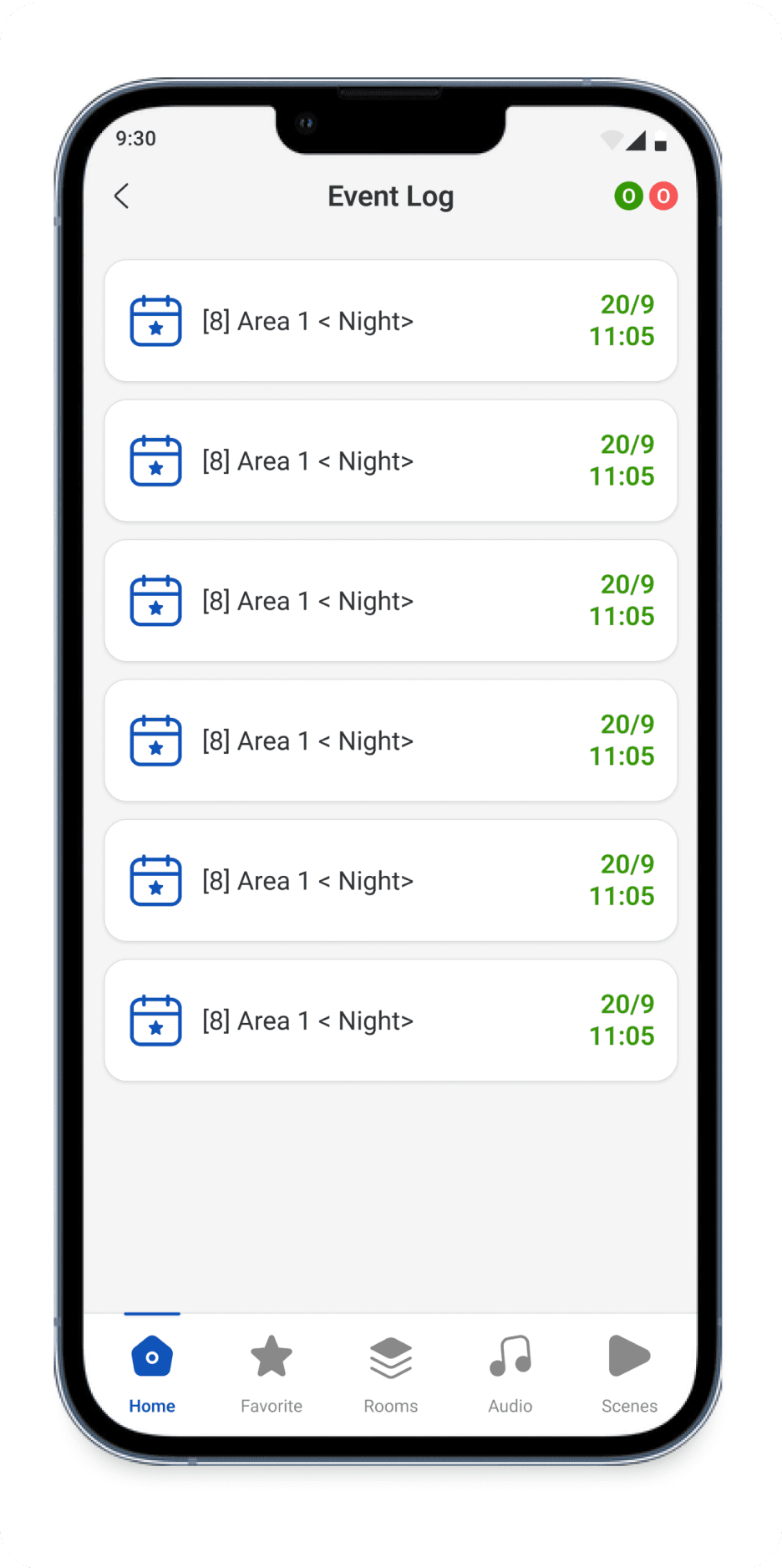
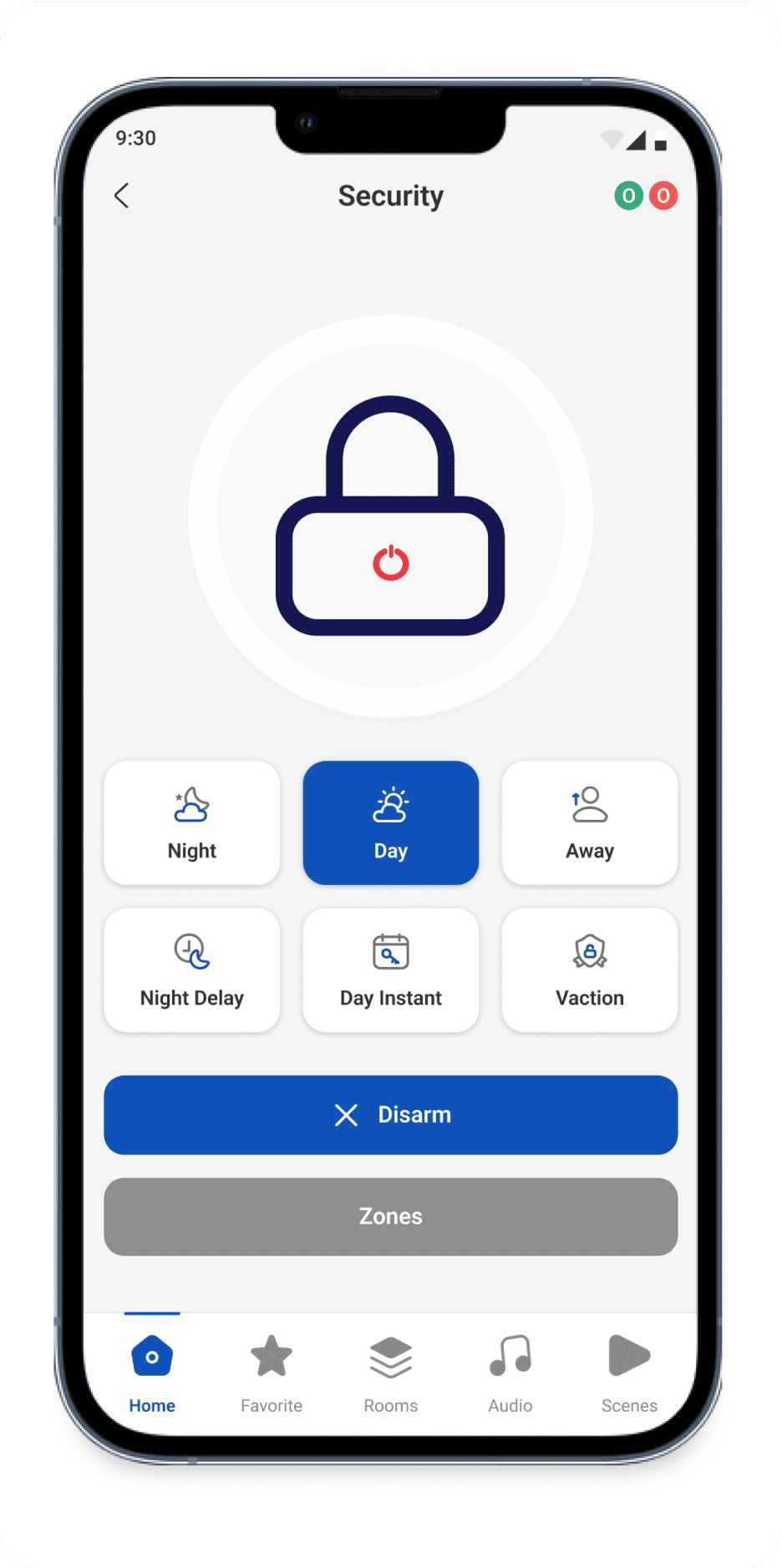
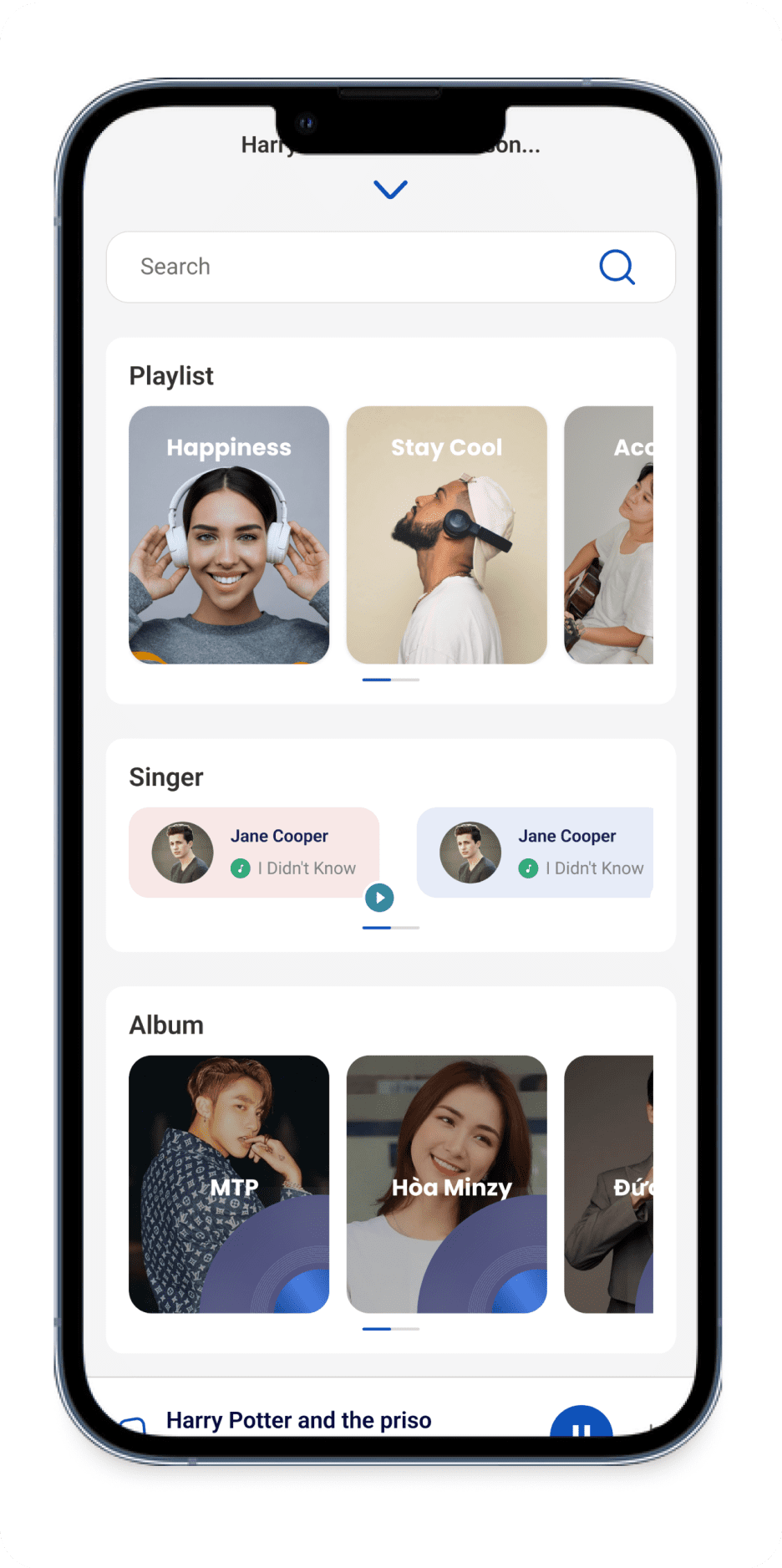
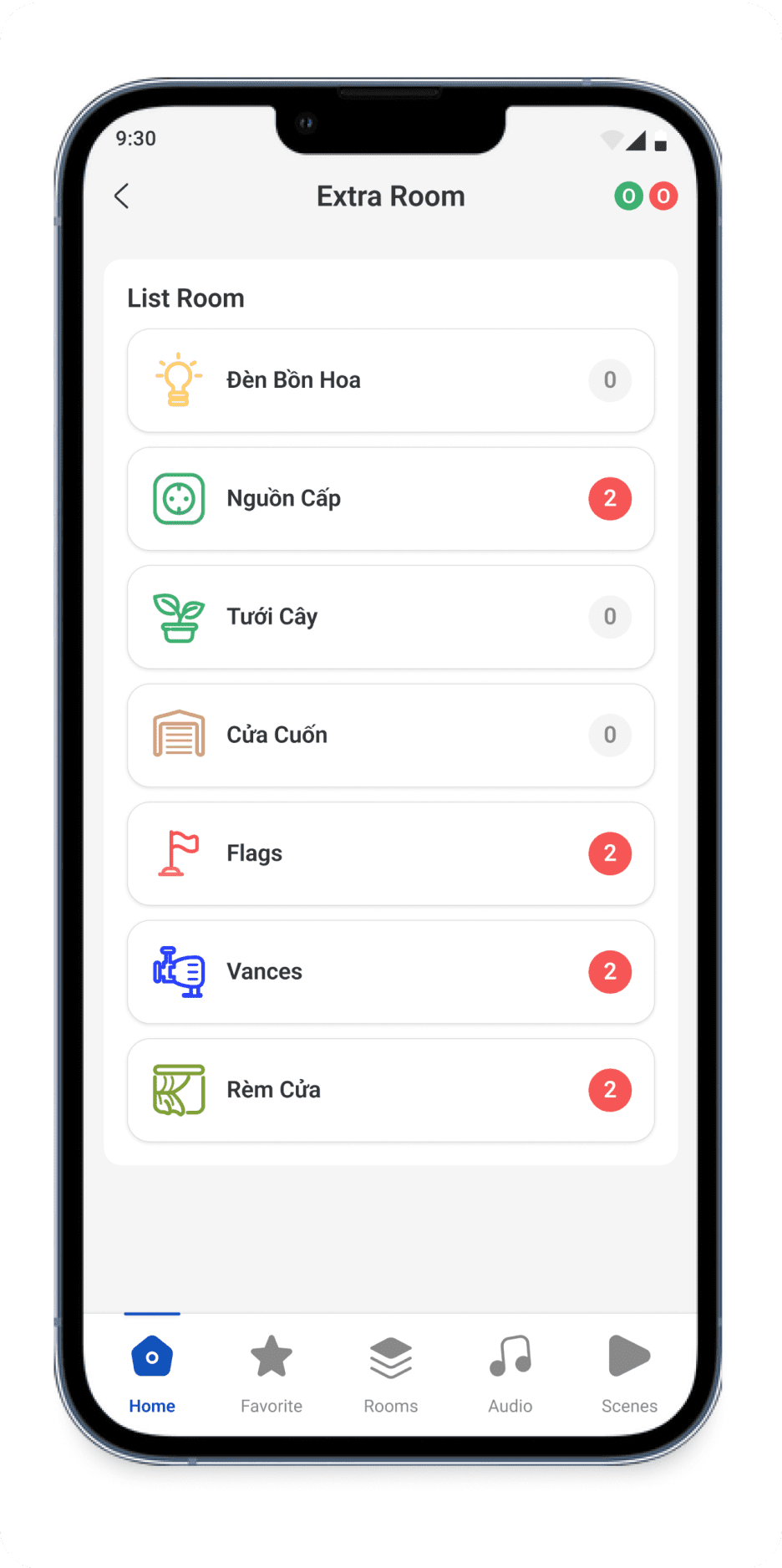
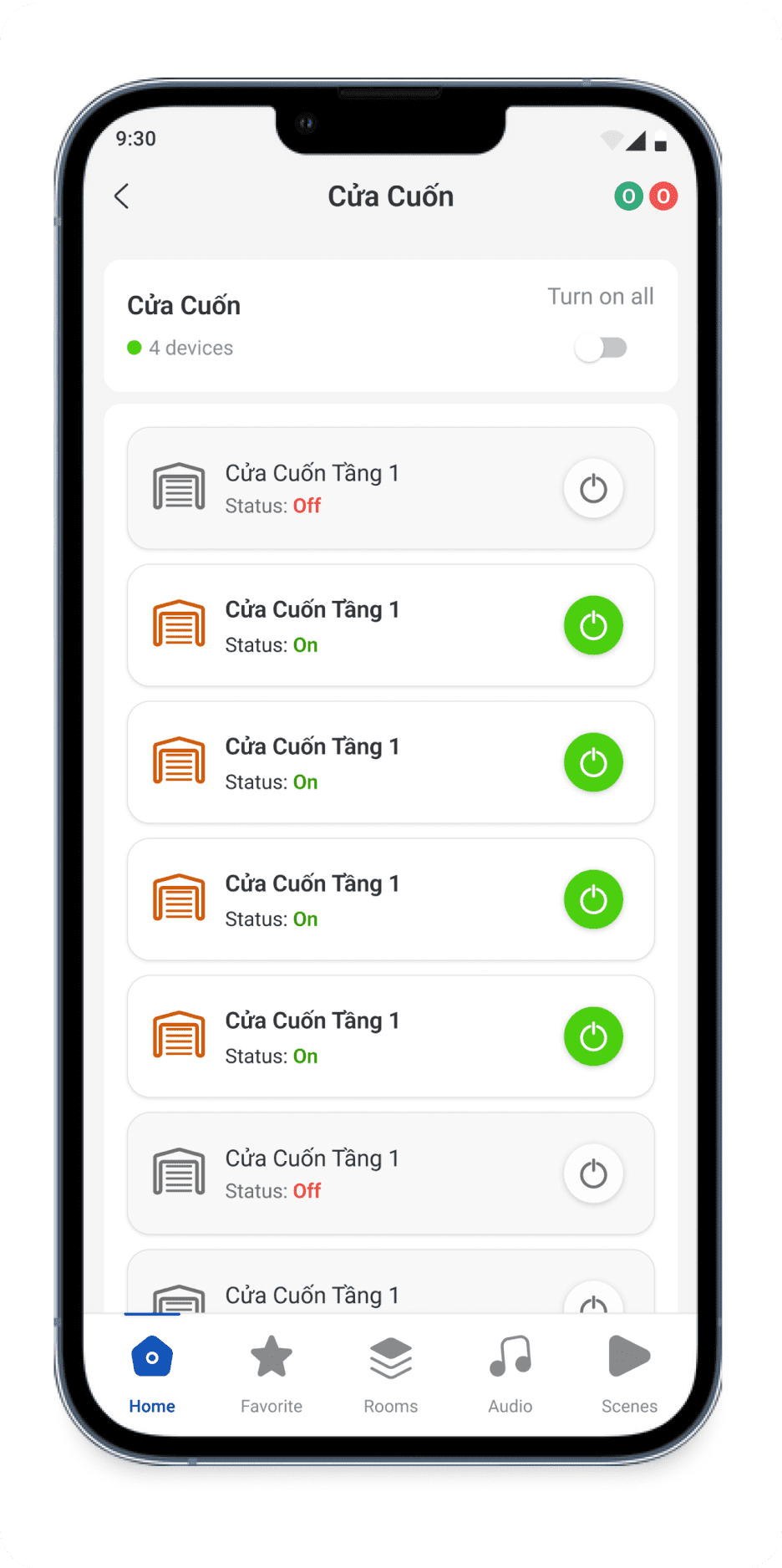
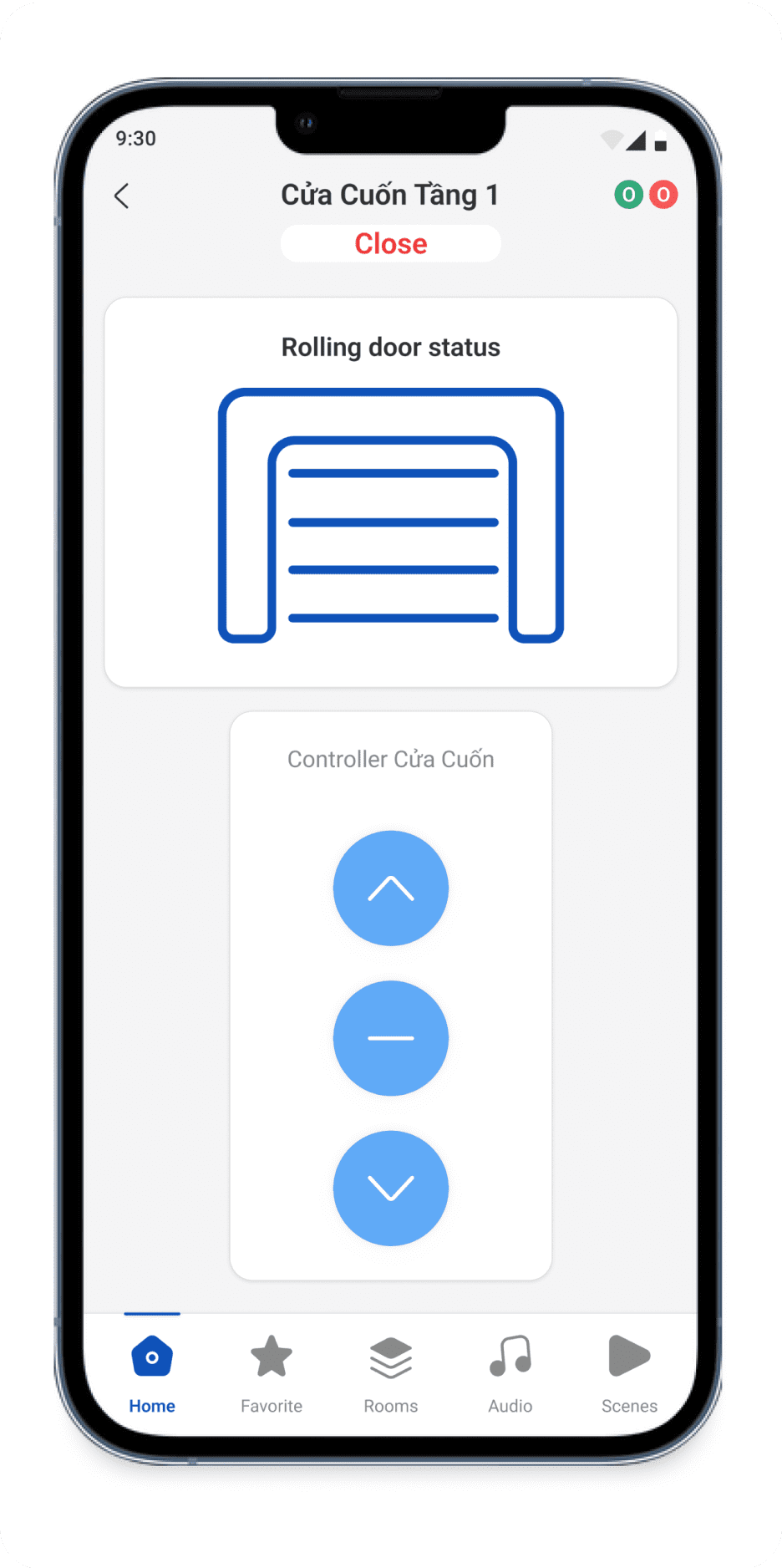
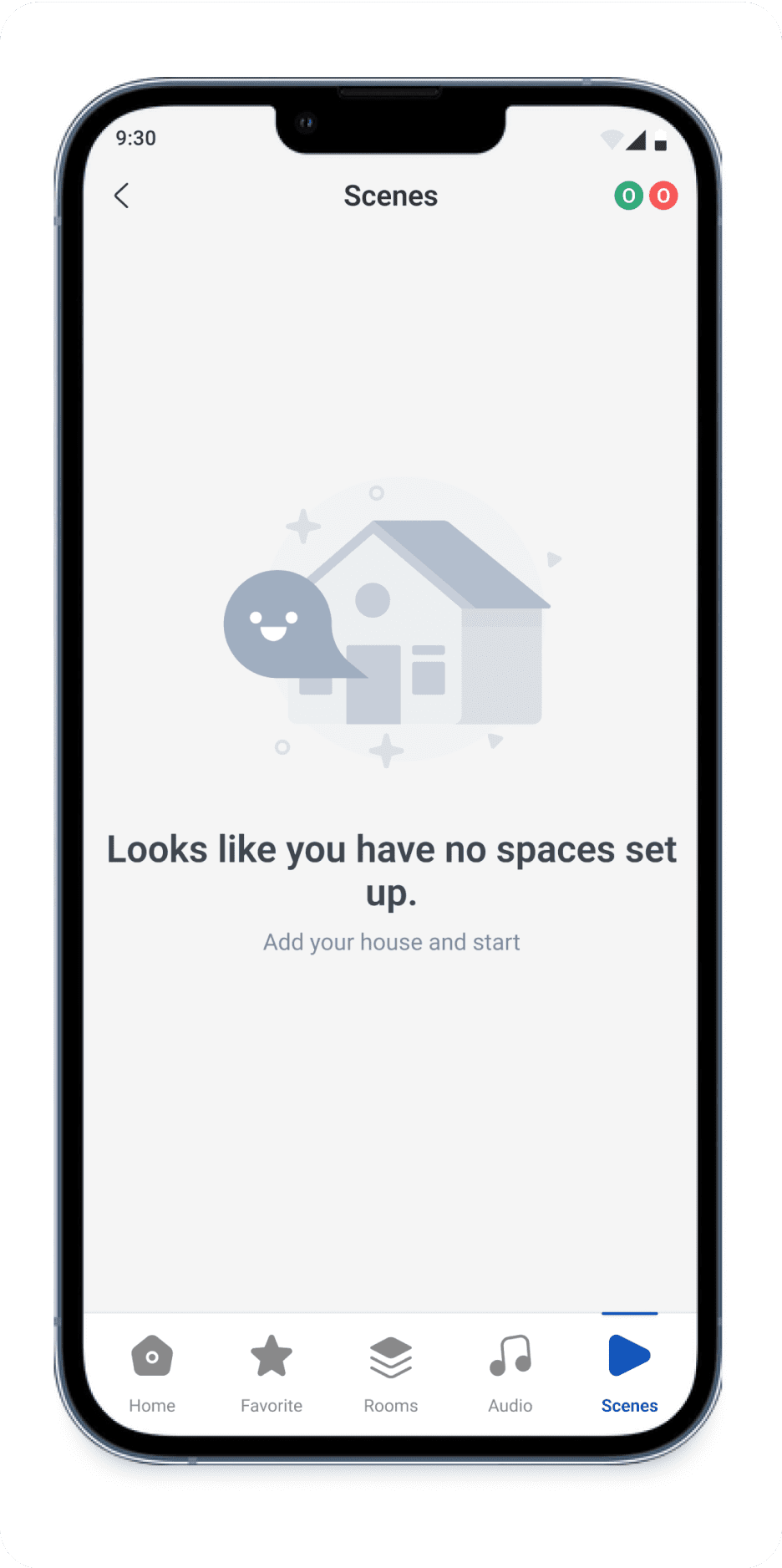
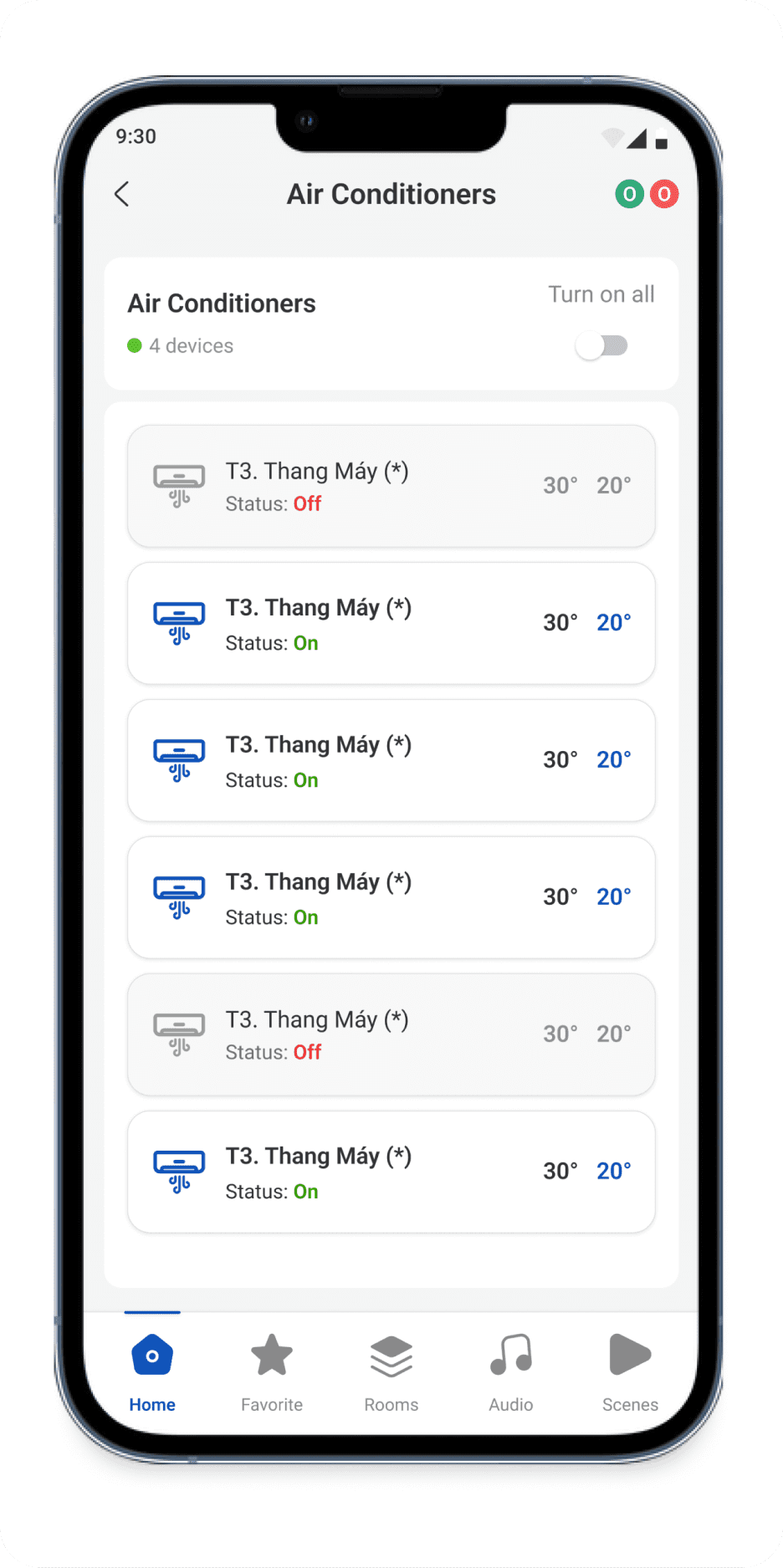
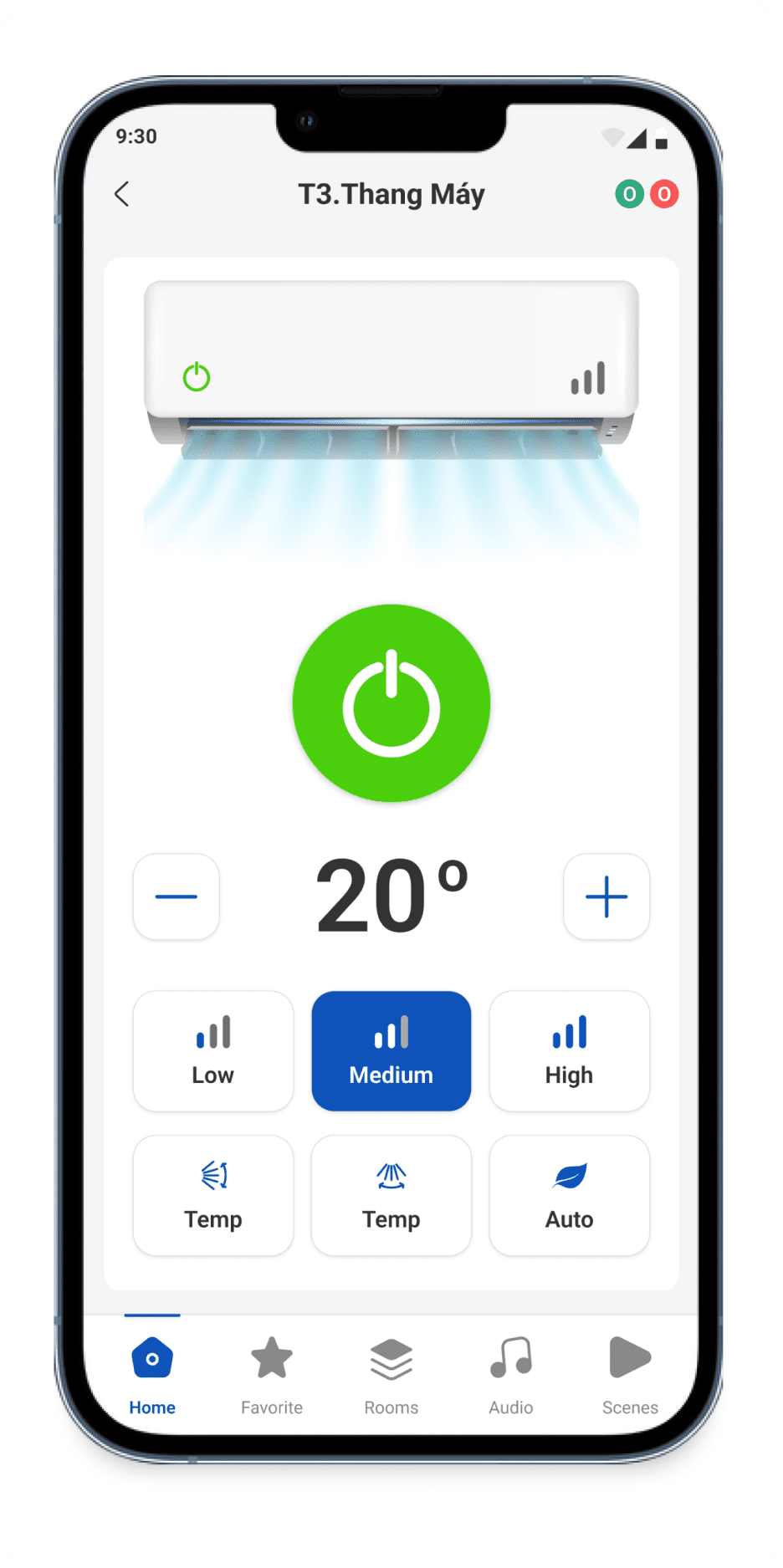
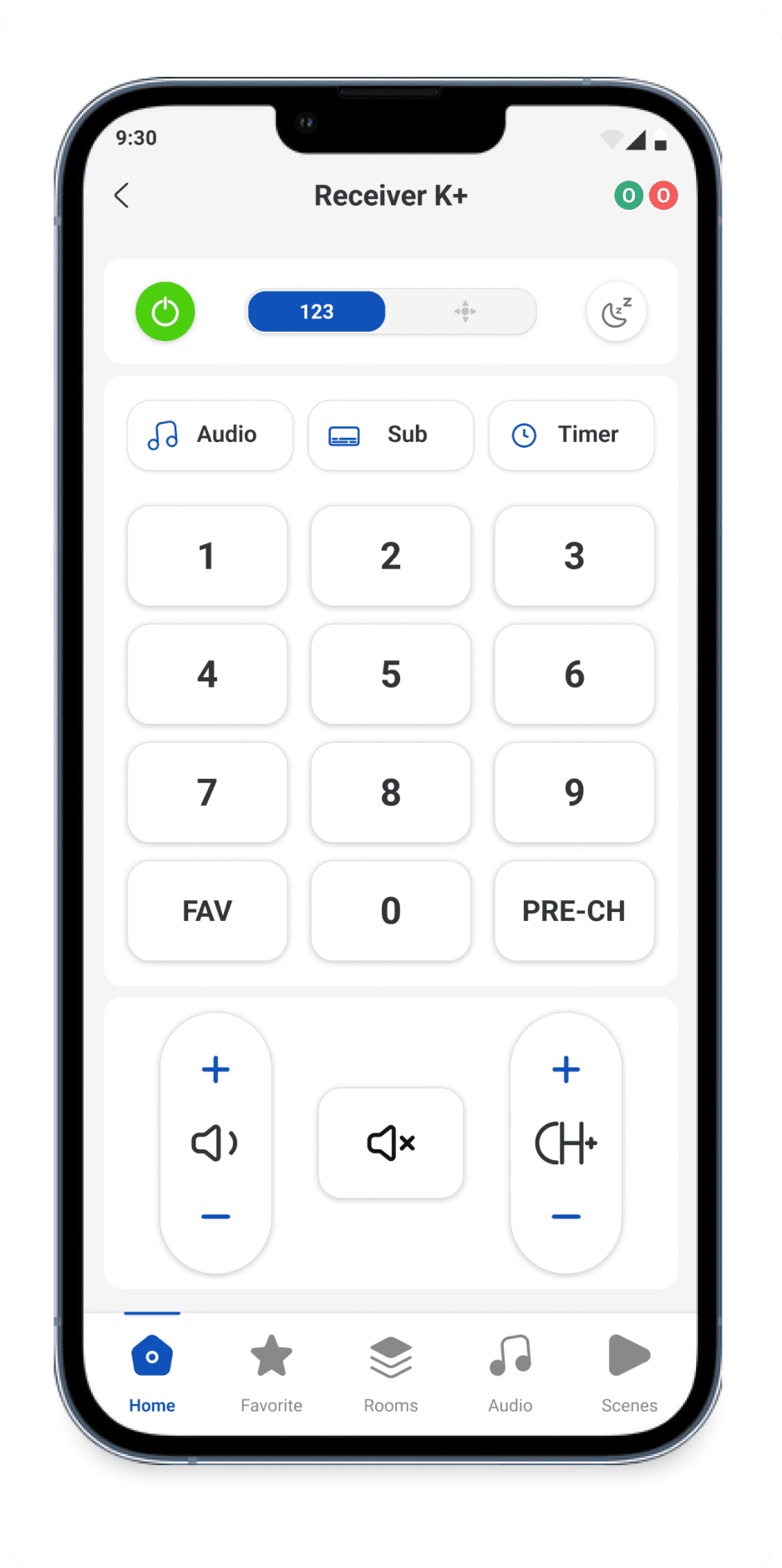
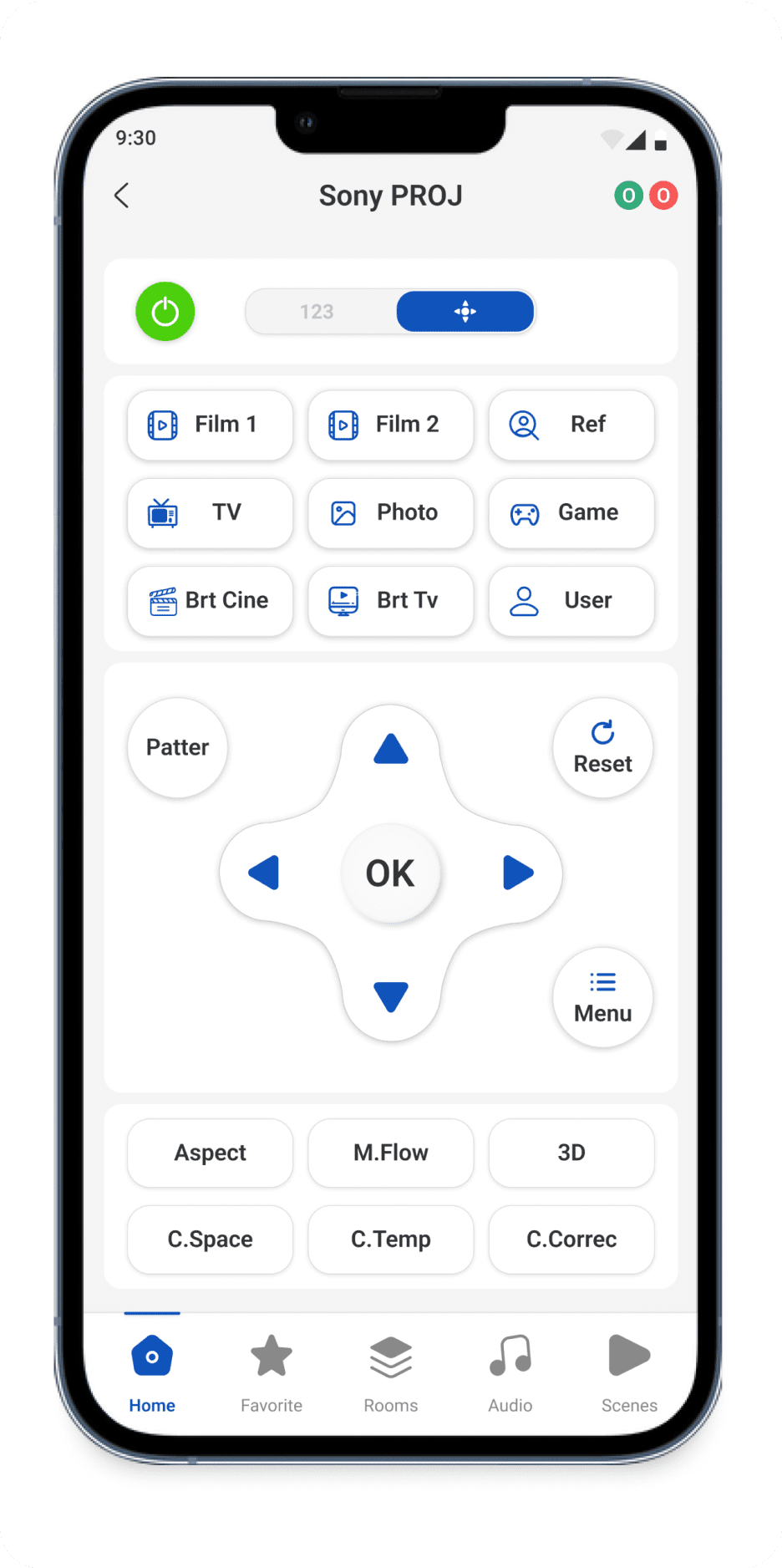
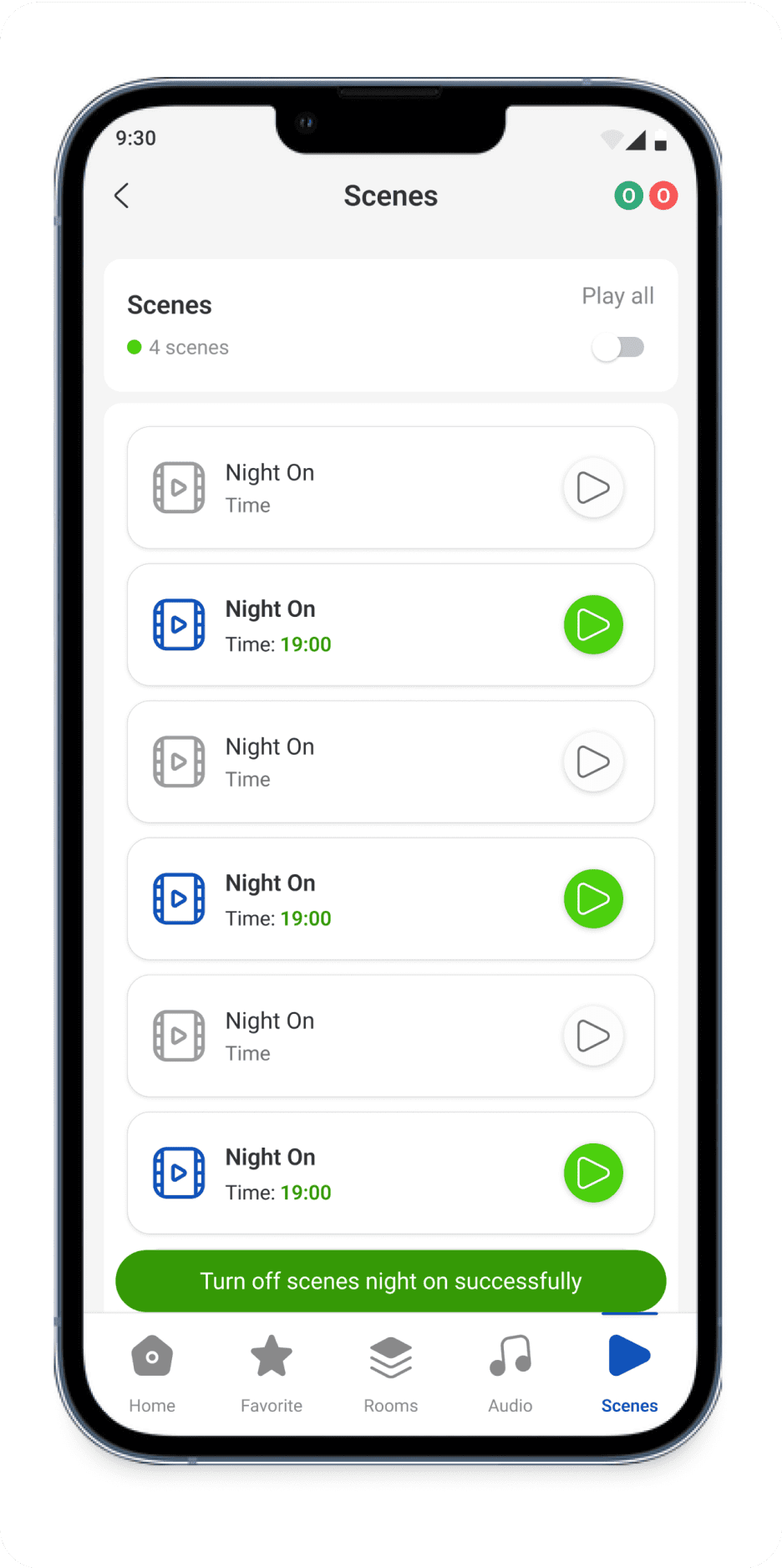
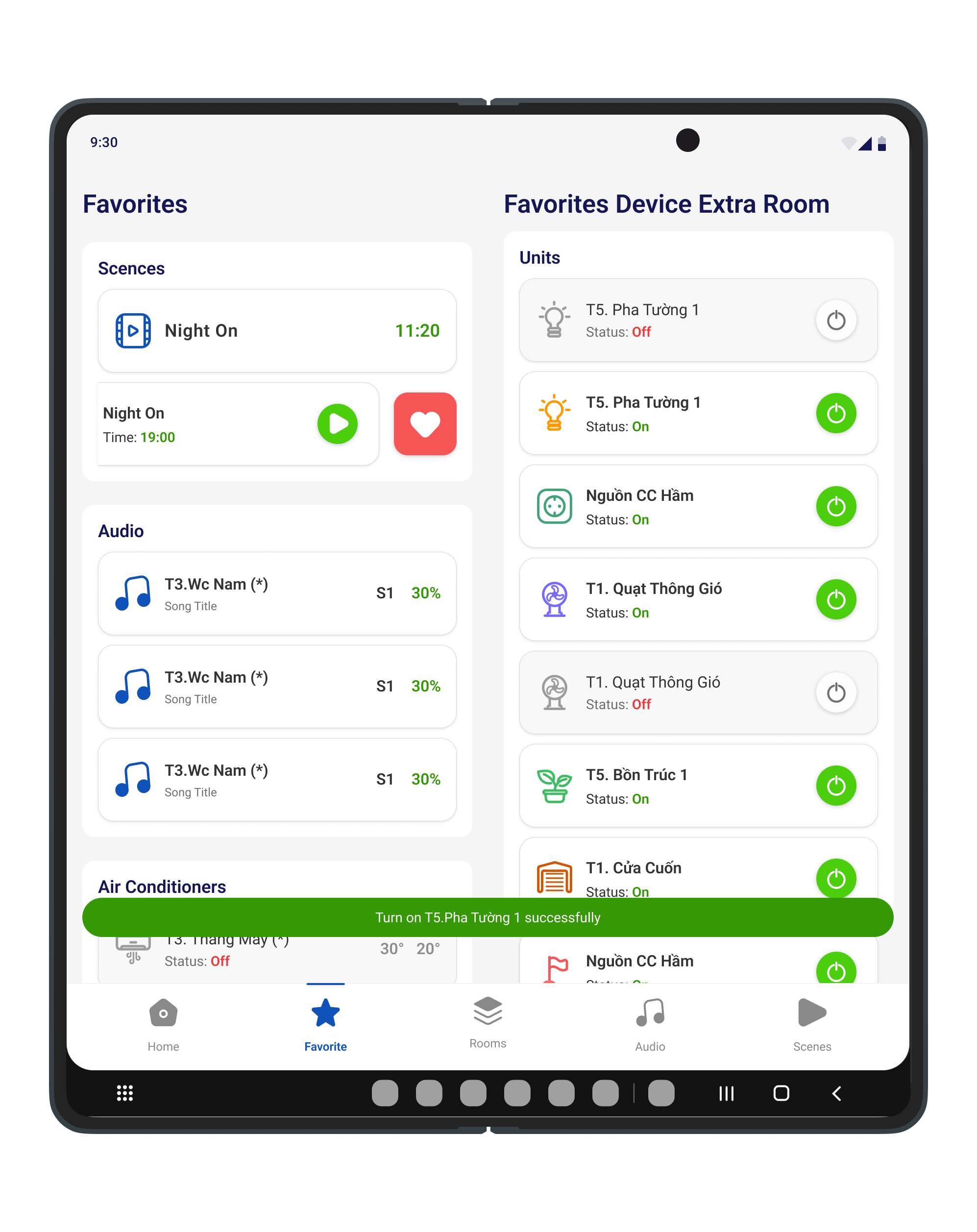
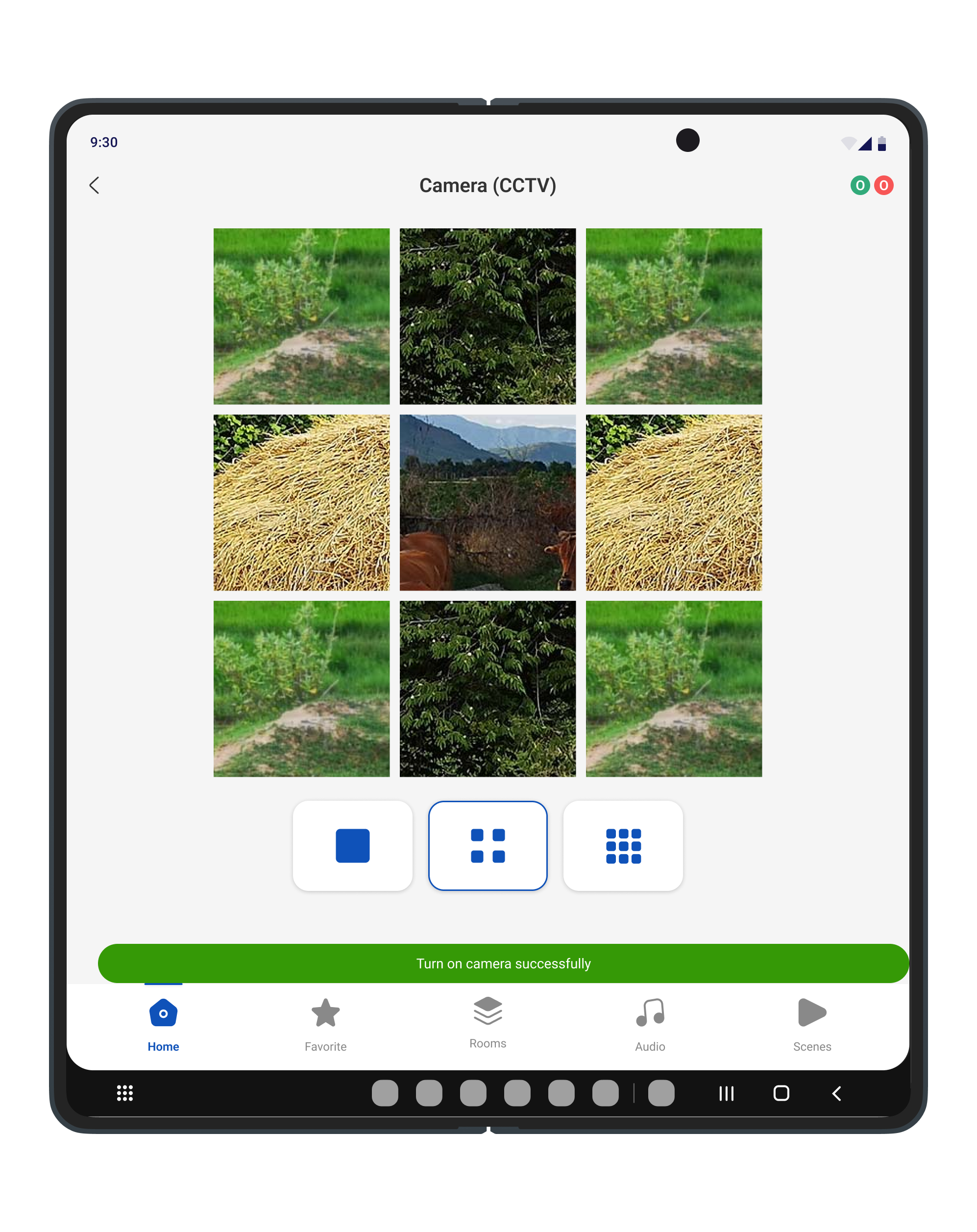
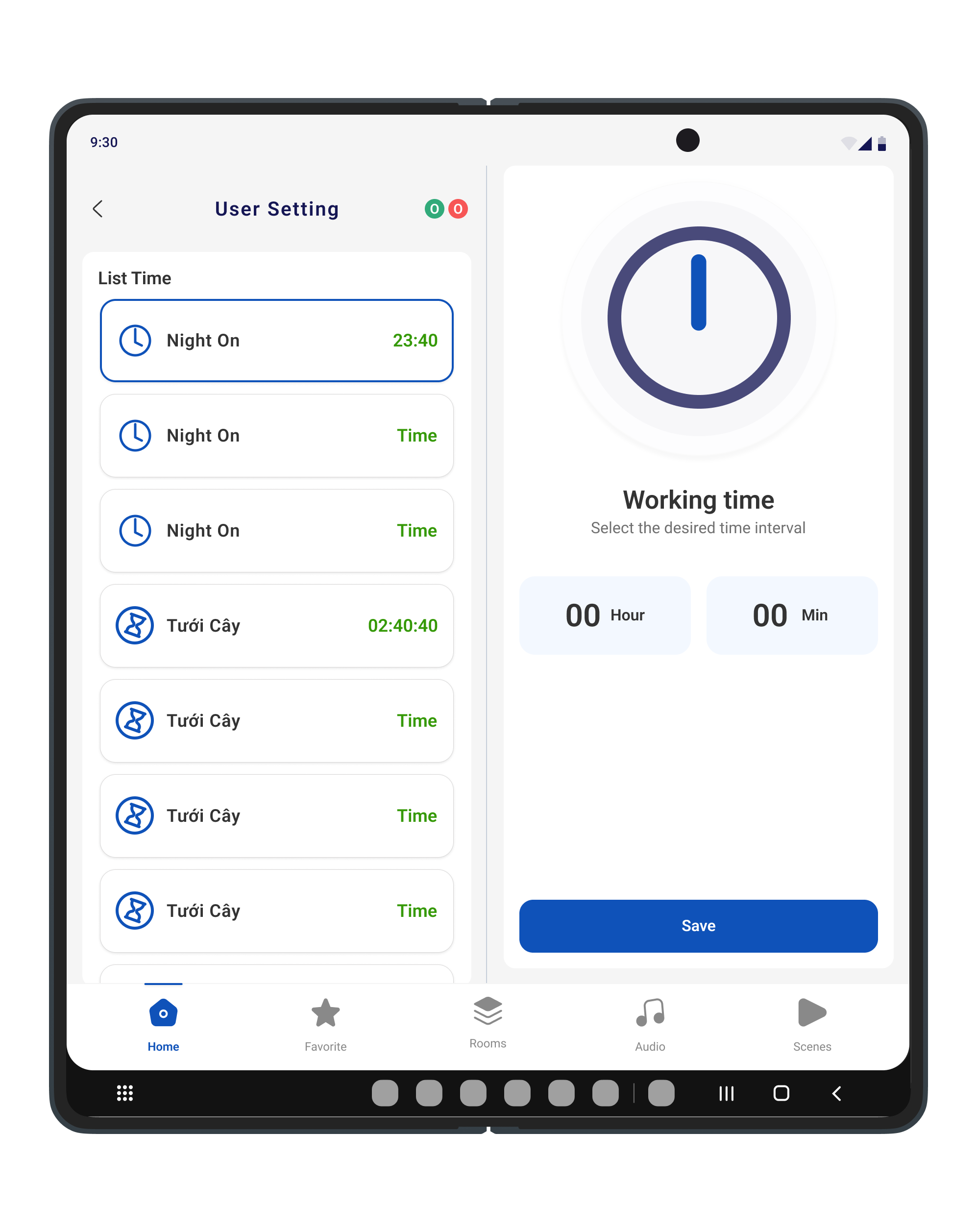
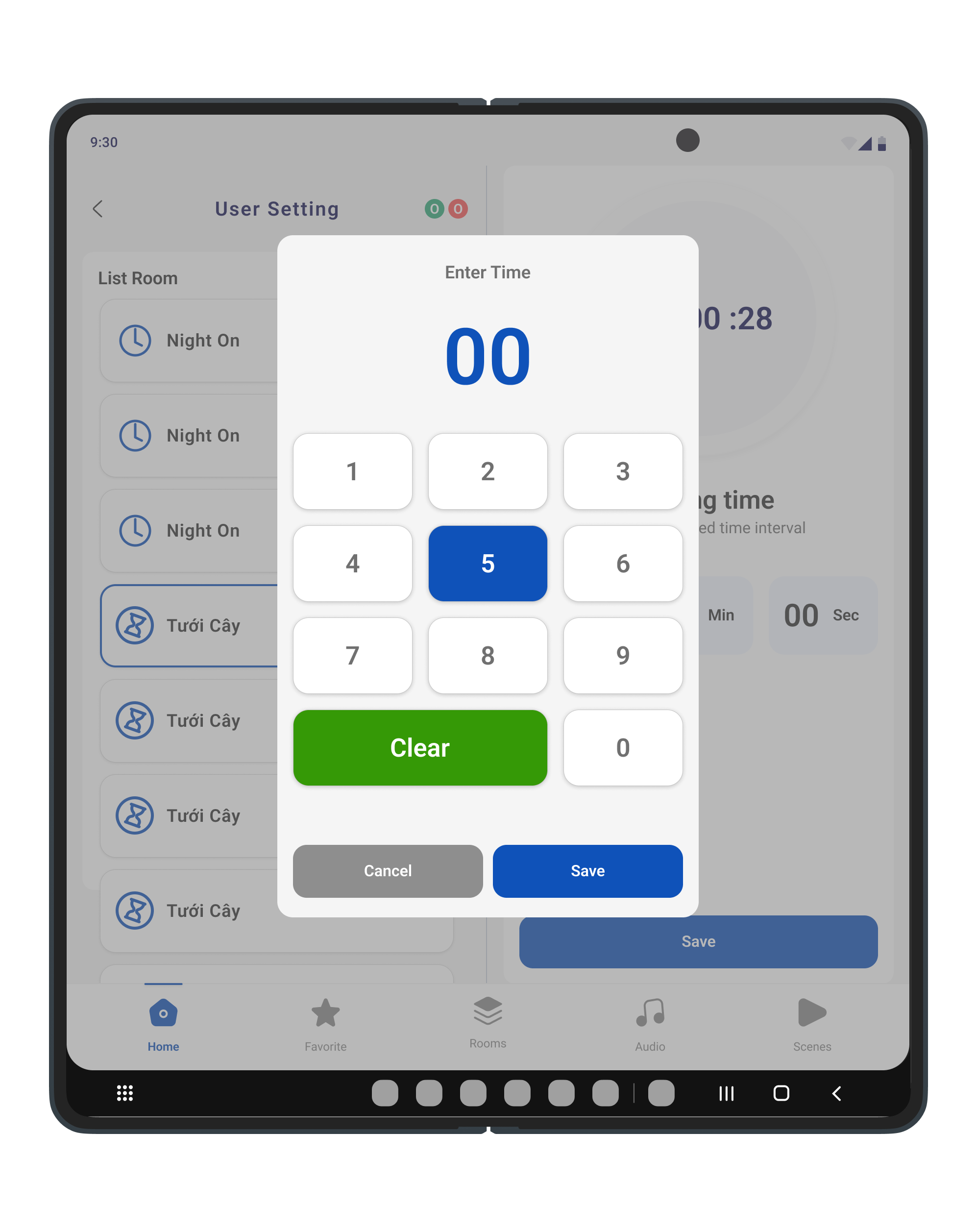
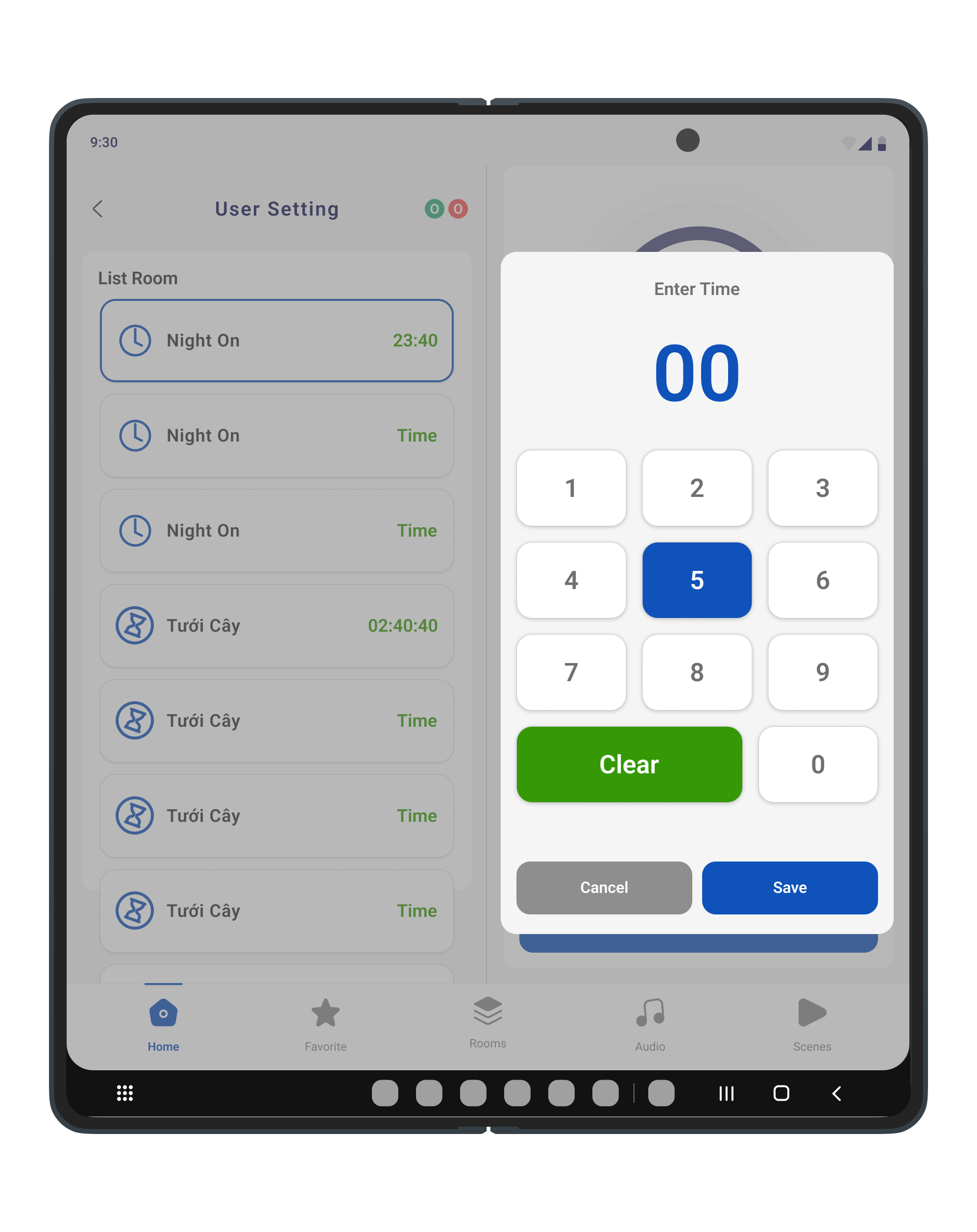
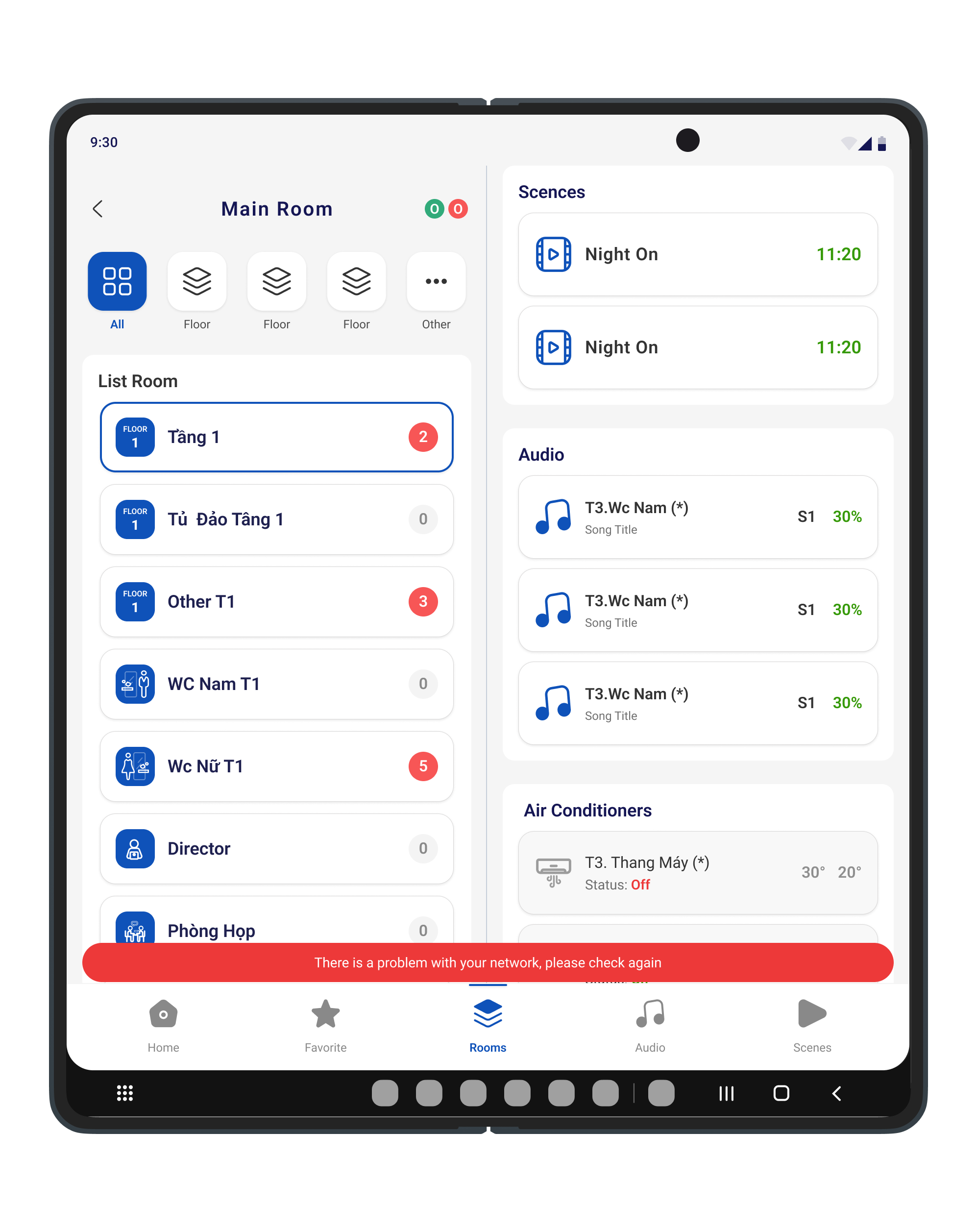
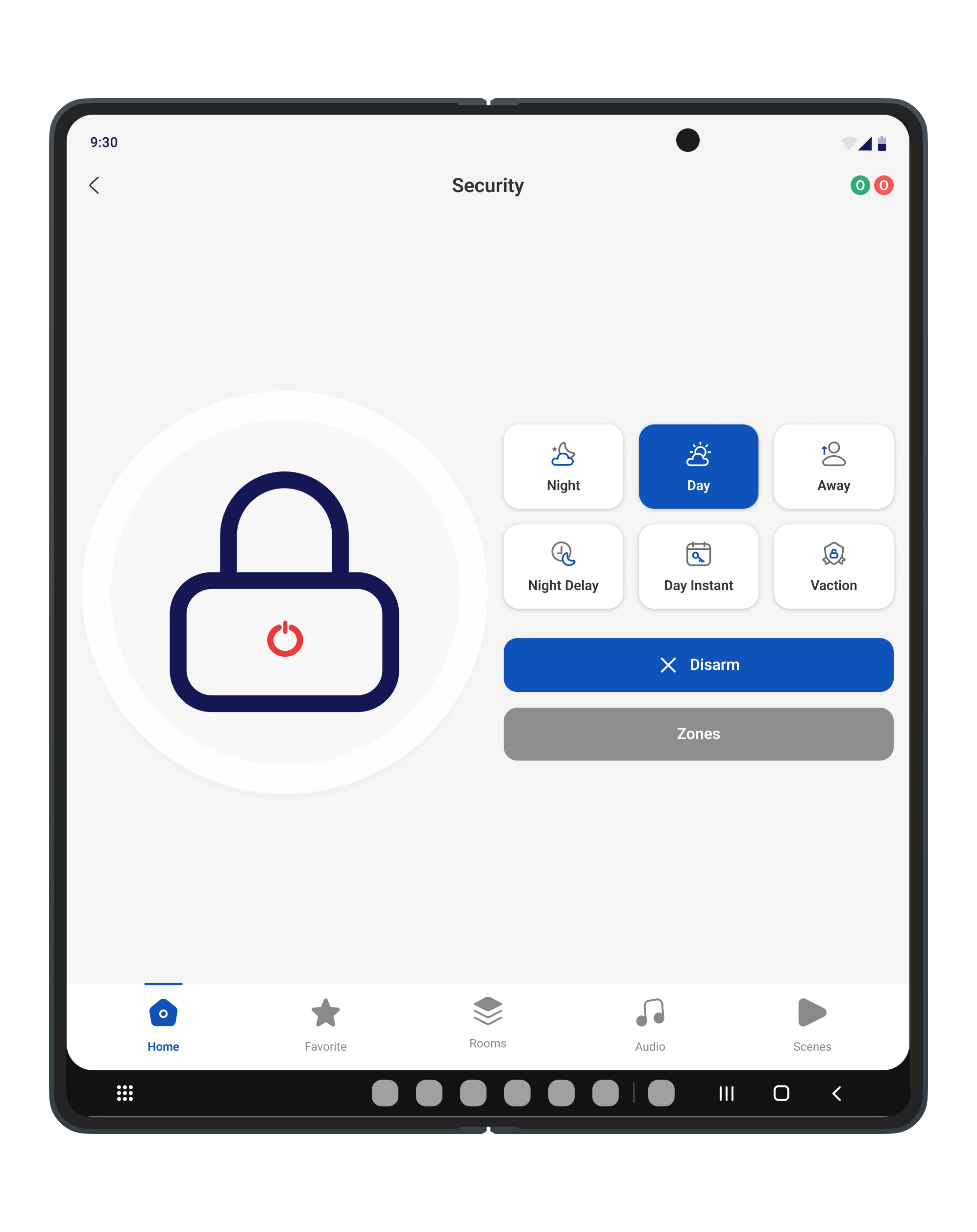
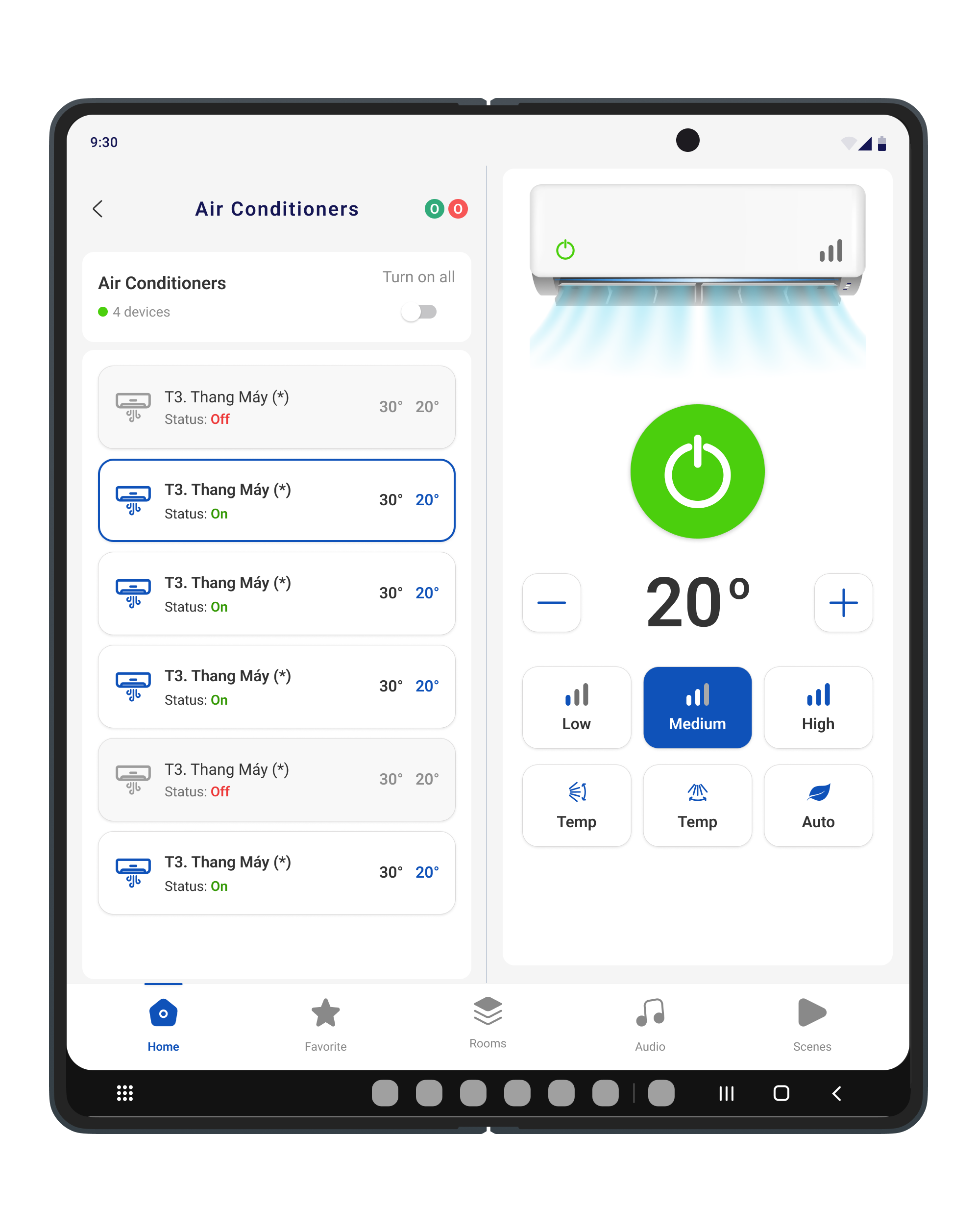
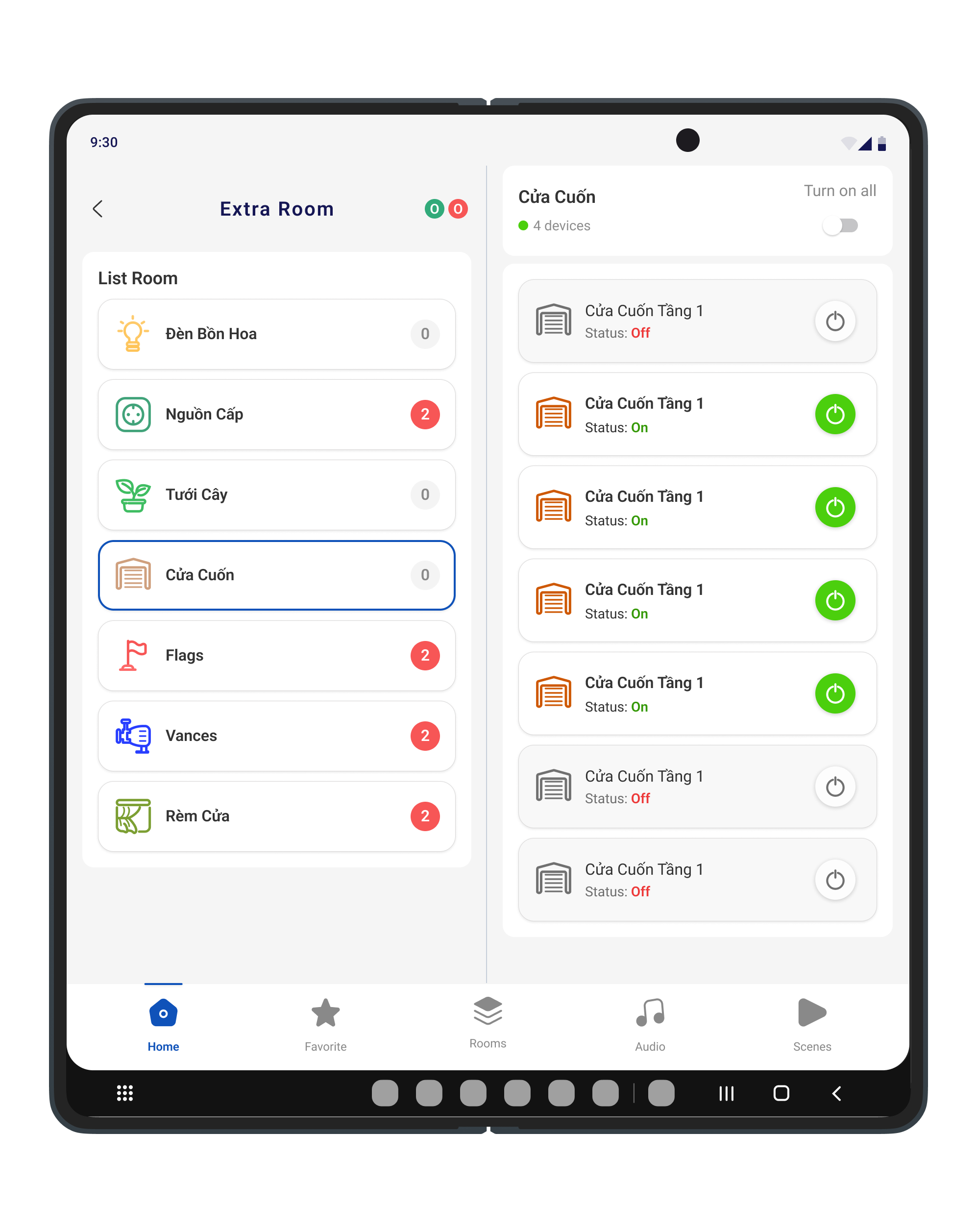
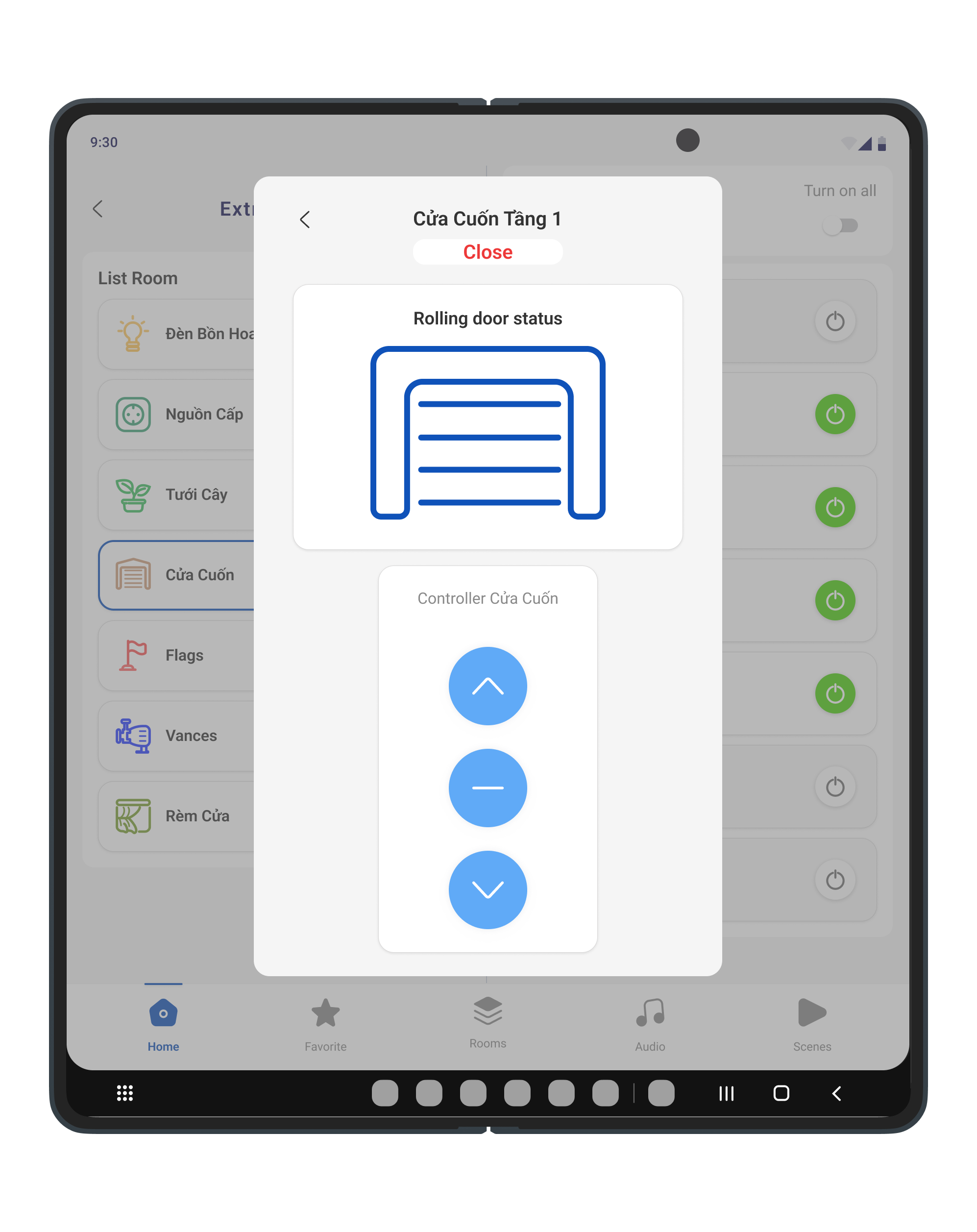
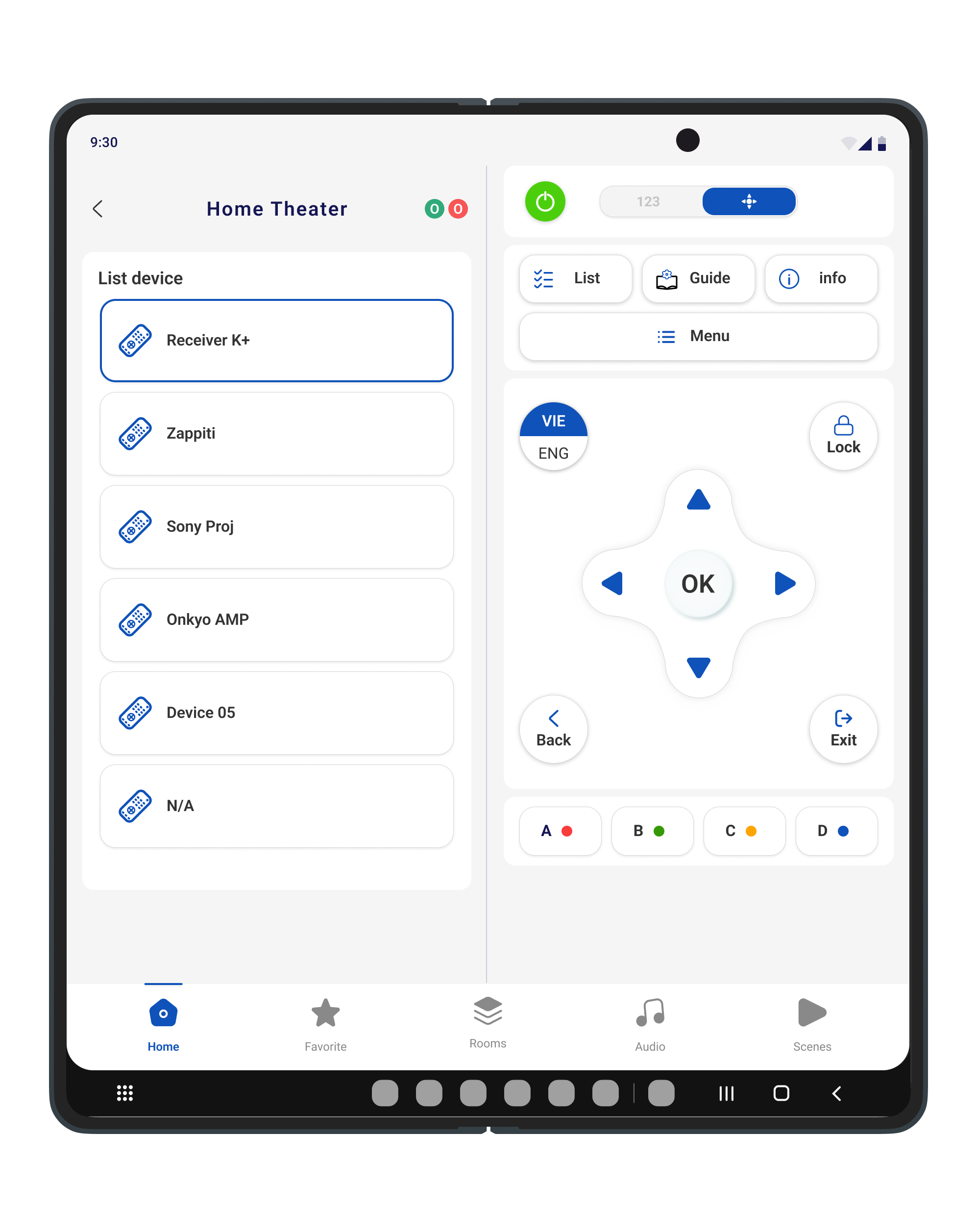
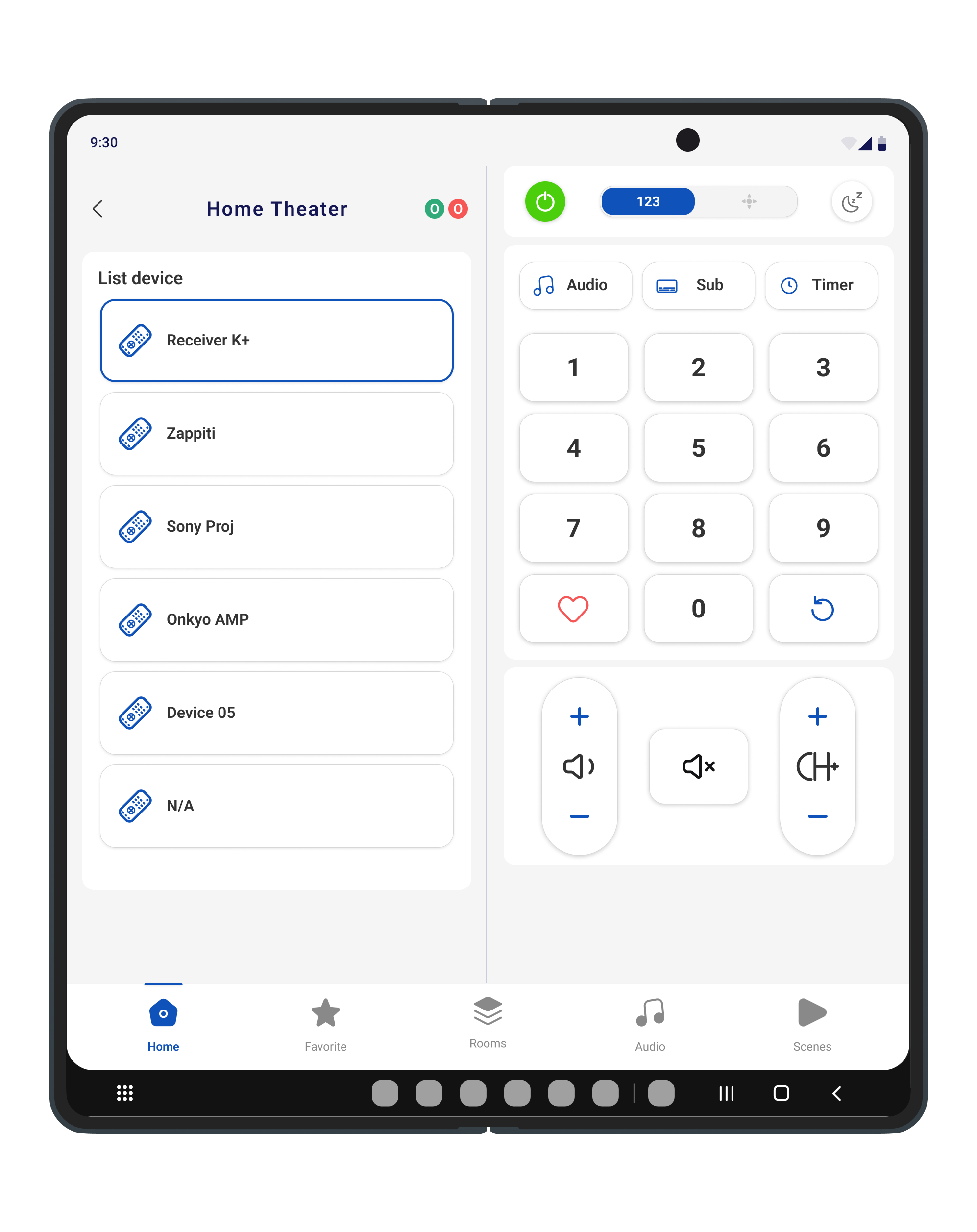
Step 4
Users had to scroll through long lists to find rooms or functions → average interaction time increased by nearly 40%.
The bottom navigation bar was poorly structured → users frequently misclicked or got lost between sections.
UI layout was crowded and inconsistent, with unclear visual hierarchy → new users struggled to identify key features.
Icons and labels didn’t clearly communicate function purposes → causing confusion and lower usability.
Room and floor lists were not well organized, making it difficult to control or locate devices quickly.
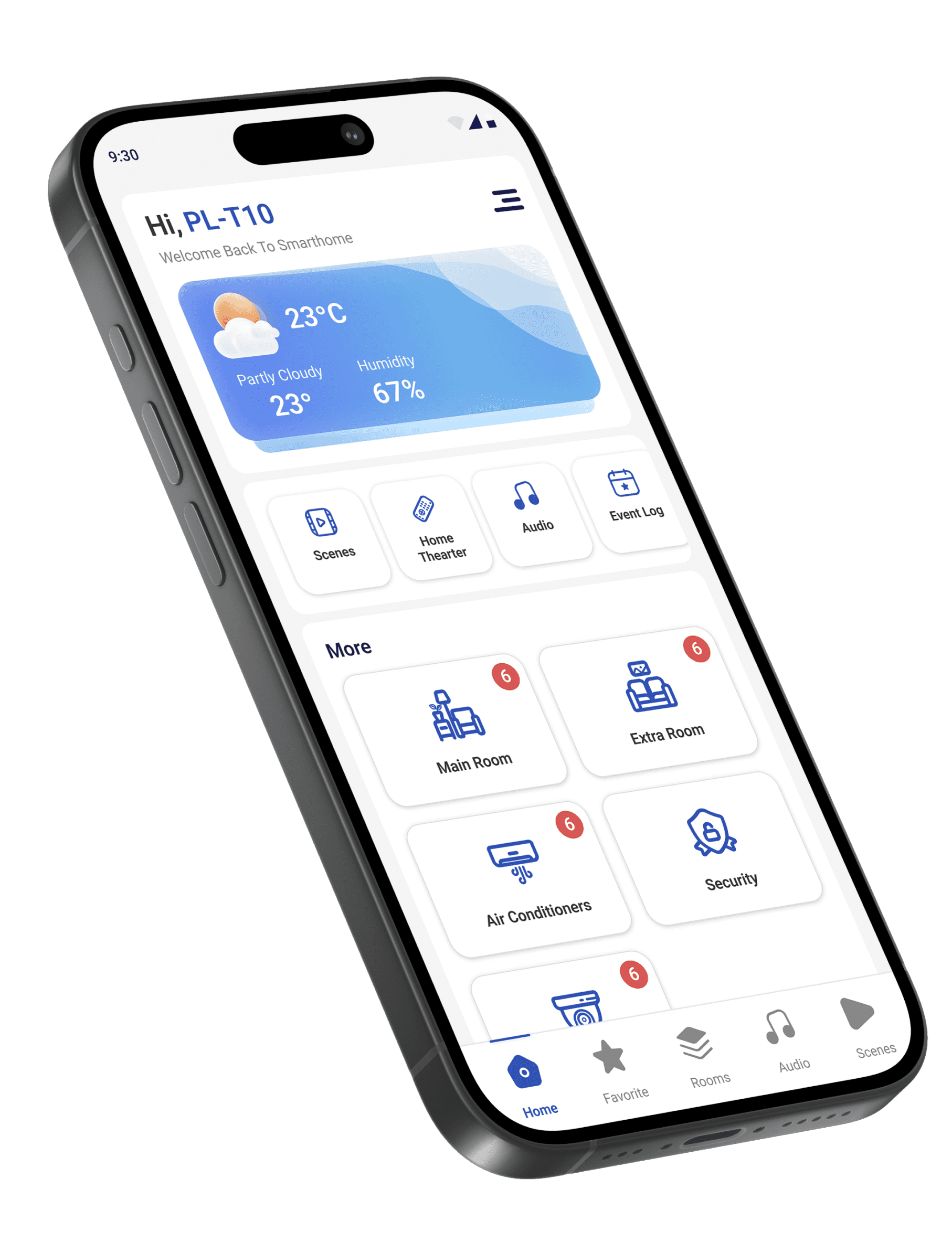
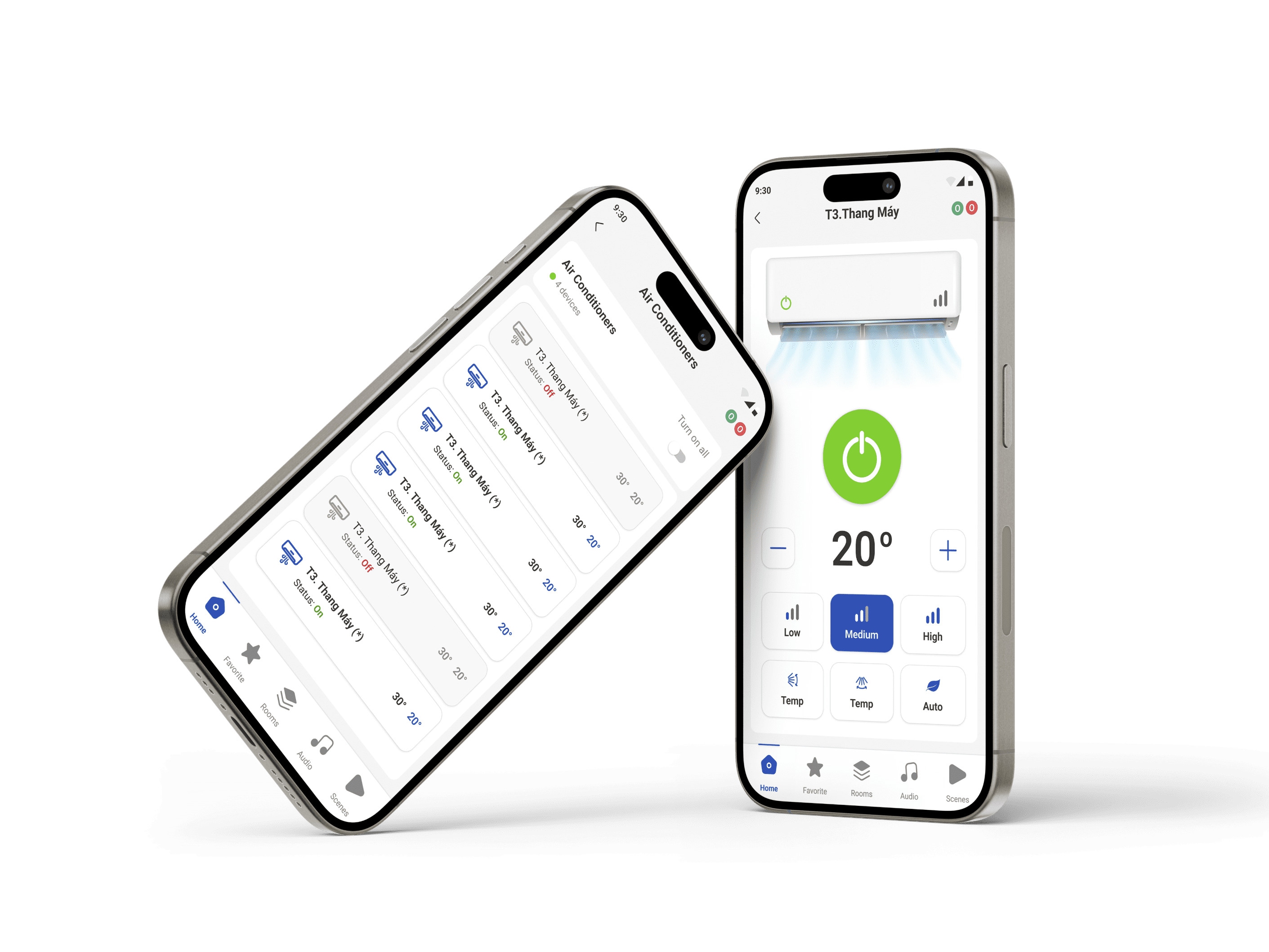
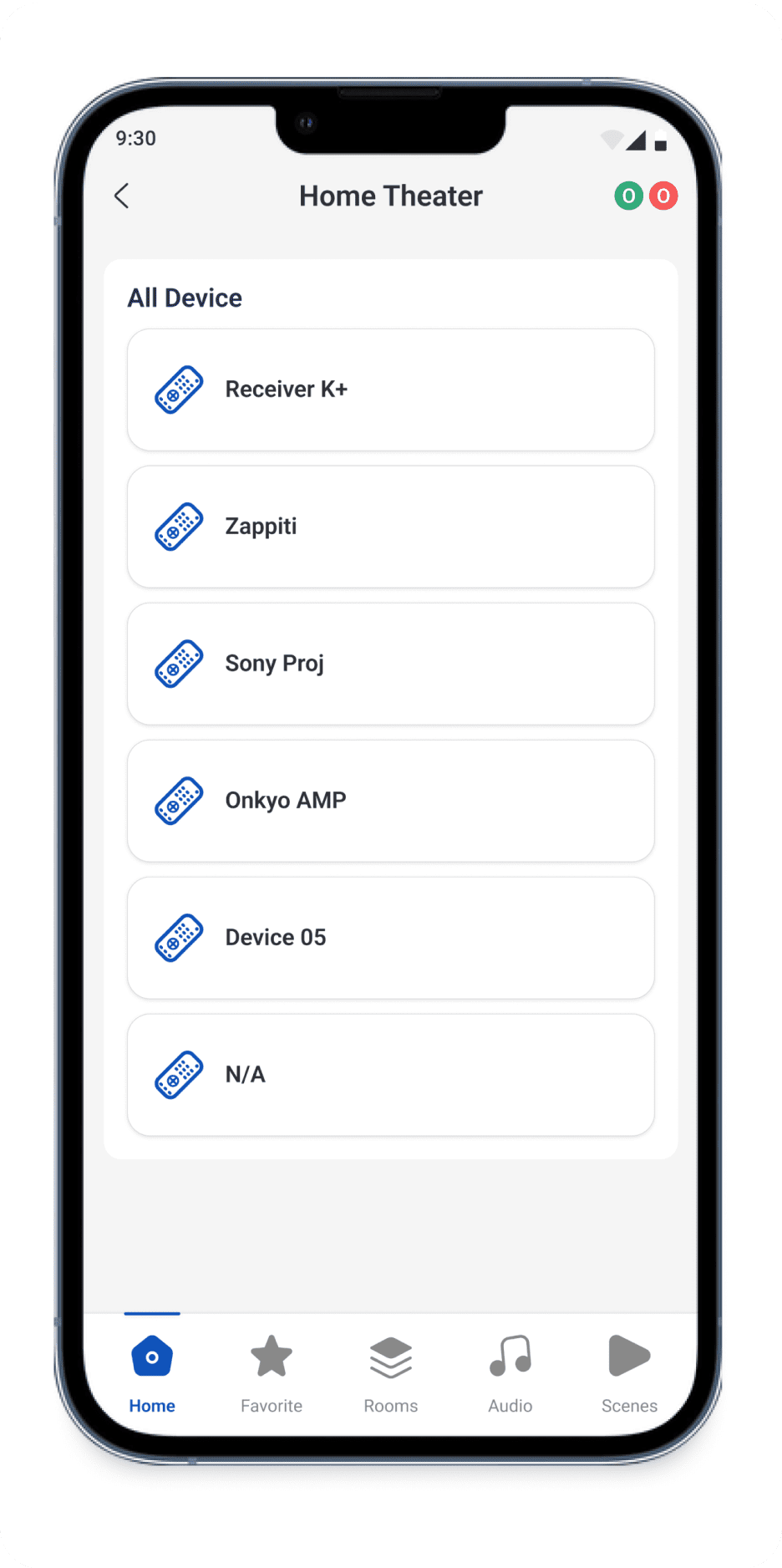
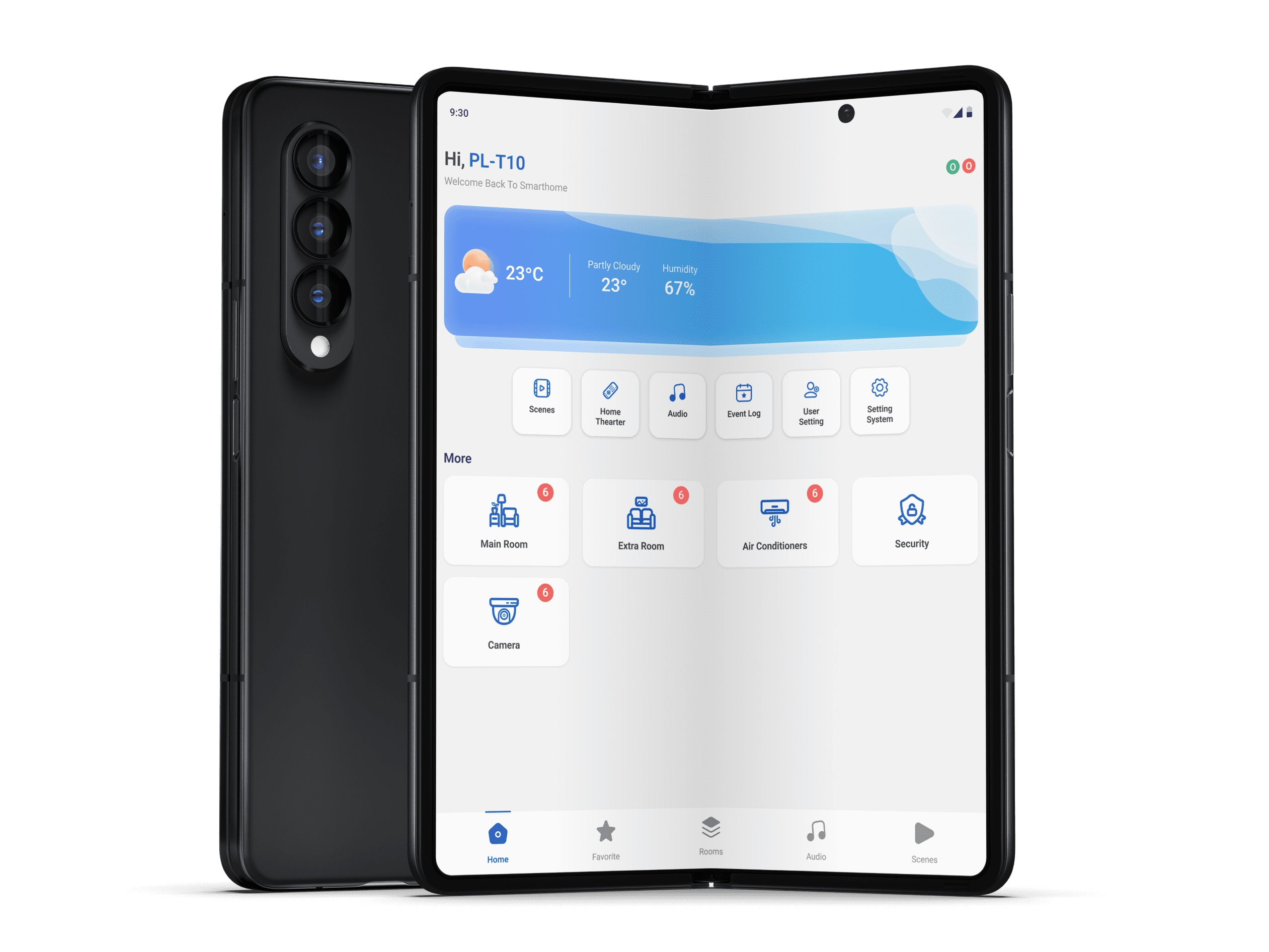
Optimized navigation structure → reduced scrolling and improved overall interaction efficiency by 40%.
Redesigned bottom navigation bar → clearer hierarchy and better accessibility across main sections.
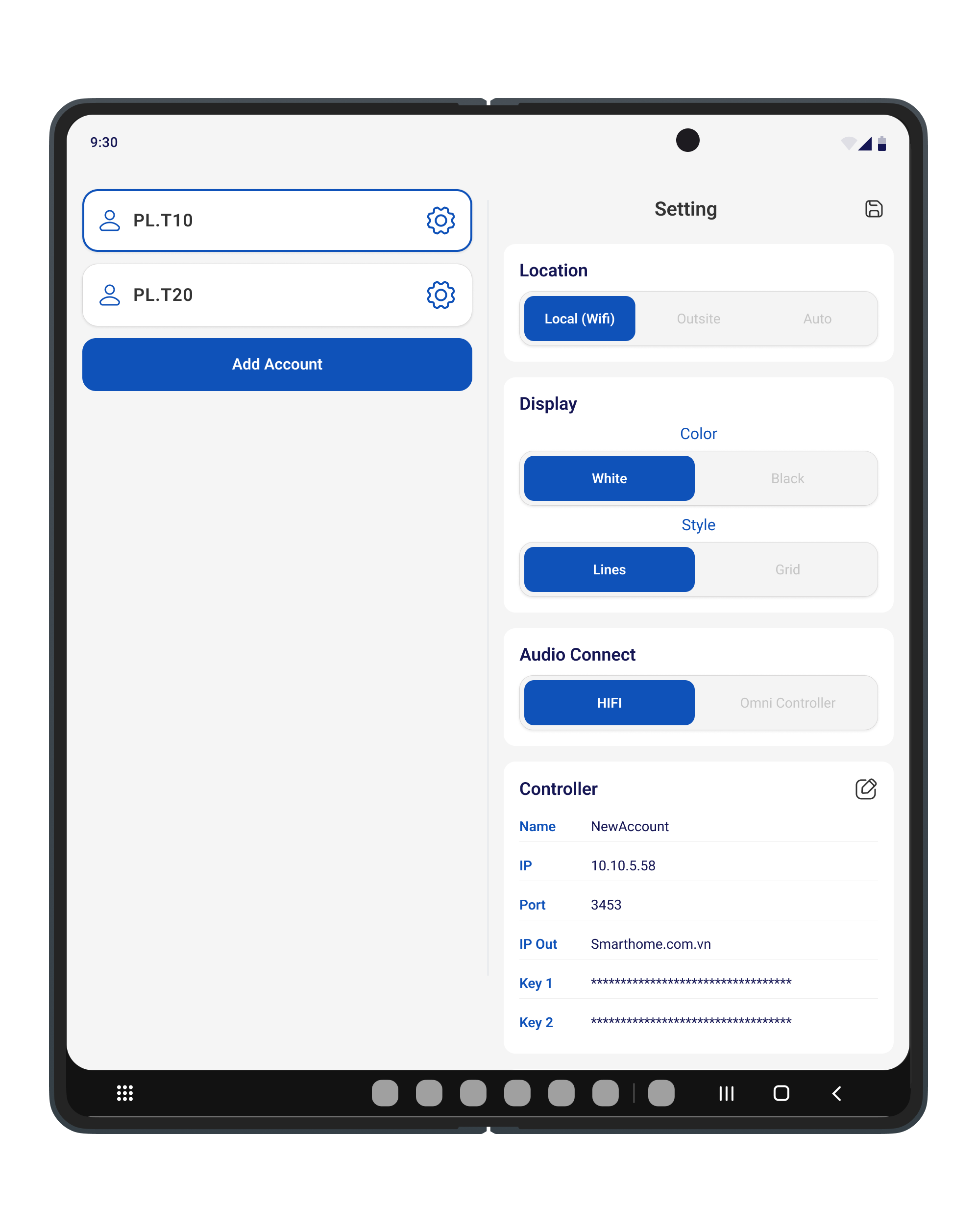
Improved visual consistency with refined icons, spacing, and typography → UI clarity increased by 75% compared to the old version.
Enhanced room and floor filtering system → made it easier to locate and manage smart devices, improving user satisfaction by 80%.
Modernized and cleaner layout → created a smoother, more comfortable user experience with a focus on clarity and simplicity.
Increased task completion rate by 70% after redesign testing.
Enhanced usability score from 5.8 → 8.9/10, based on internal UX survey.
Reduced average time to access key functions by 35%.
Learned the importance of visual hierarchy and consistent iconography in guiding user behavior.
Recognized how micro-interactions and layout balance can strongly impact perceived comfort and trust in smart home apps.
Redesigning the Smart Home App helped me understand how visual clarity and hierarchy directly influence user behavior and comfort.
I learned that simplicity isn’t about removing elements, but about organizing them logically so users can navigate effortlessly.
Consistency in icons, colors, and spacing plays a huge role in building trust and a sense of familiarity.
Most importantly, I realized that great UI design is not only about aesthetics — it’s about guiding users intuitively and making every action feel smooth and meaningful.