




Design By HuyGame
Remote Controller
Remote Controller

Practice smarter. Prepare with confidence.
If employers want to see faster results, this is the option for HR


Summary
A mobile learning app designed to help users prepare for the U.S. DMV written permit test. The app provides state-specific practice questions, mock exams, progress tracking, and study modes for different license types, including Car, Motorcycle, and CDL.
The core experience focuses on helping users identify knowledge gaps, practice repeatedly, and simulate the real DMV exam before taking the official test.
About Game
Console Application
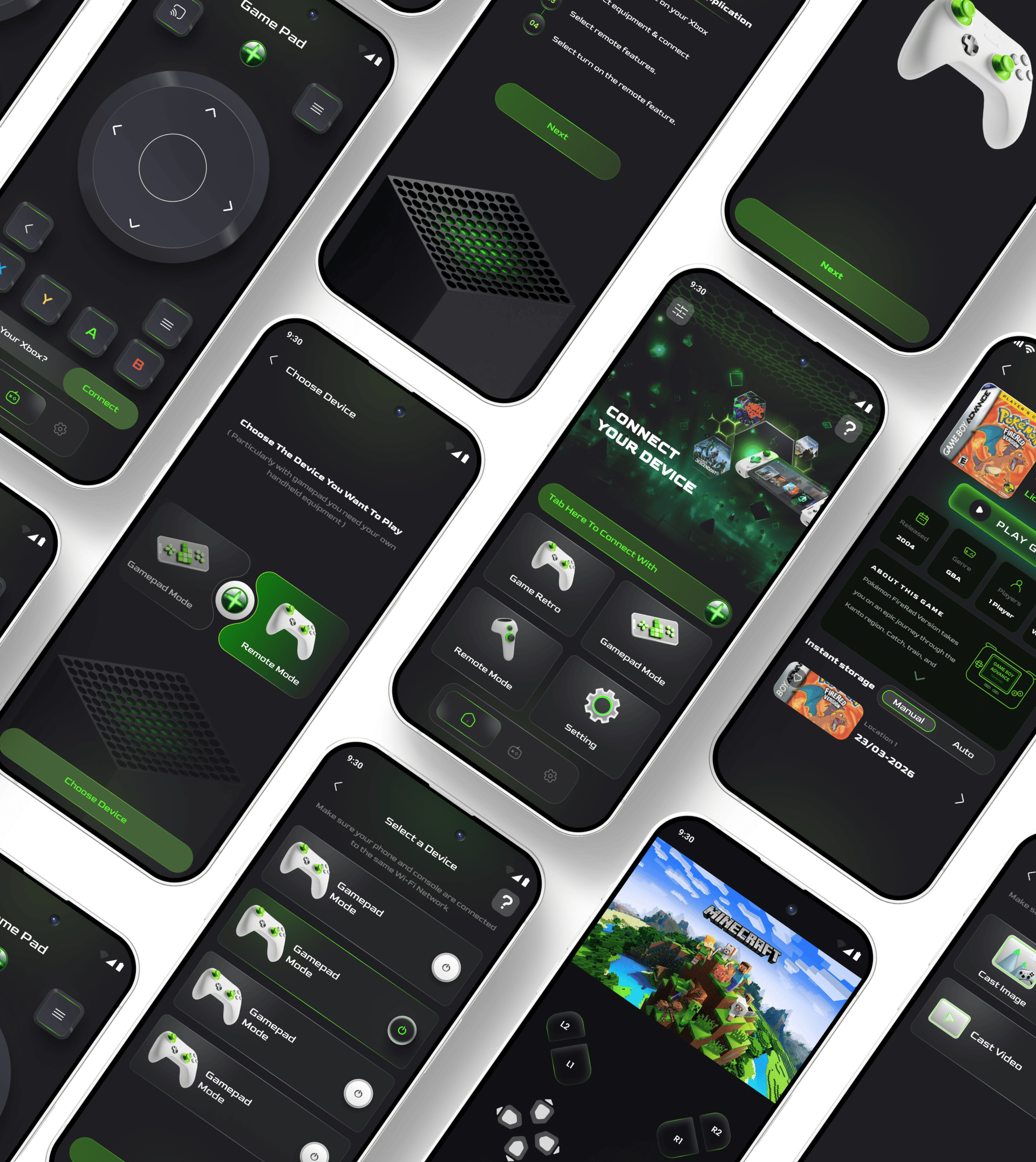
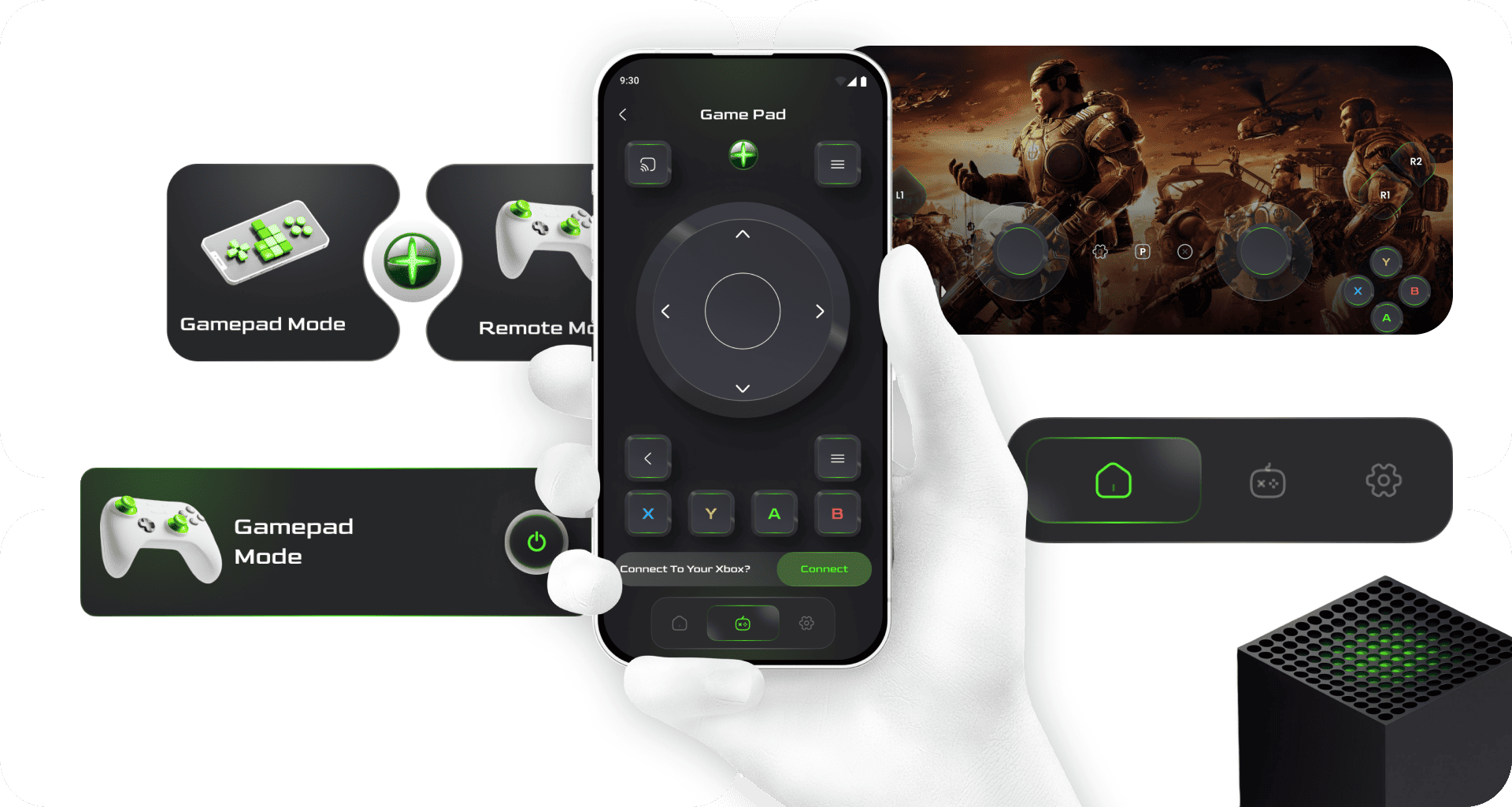
Welcome to the next generation of gaming with our Game Console App, a breakthrough in transforming your smartphone into a universal controller and hub for your console experience. Designed for passionate gamers, this app bridges the gap between console and mobile, offering seamless control, smart connectivity, and personalized gaming interaction.
With just one tap, users can connect, navigate, and control their gaming consoles—whether it’s Xbox 360, Xbox One, or newer models—directly from their phone. The app allows switching between Gamepad Mode and Remote Mode, managing game sessions, streaming content, and adjusting console settings in real time. It brings ultimate flexibility and accessibility to every player, no matter where they are.
In a world where gaming is more than entertainment, the Game Console App ensures that every play session is smooth, immersive, and connected. Join us in redefining the future of interactive gaming — one smart connection at a time.
Step 1
DISCOVER
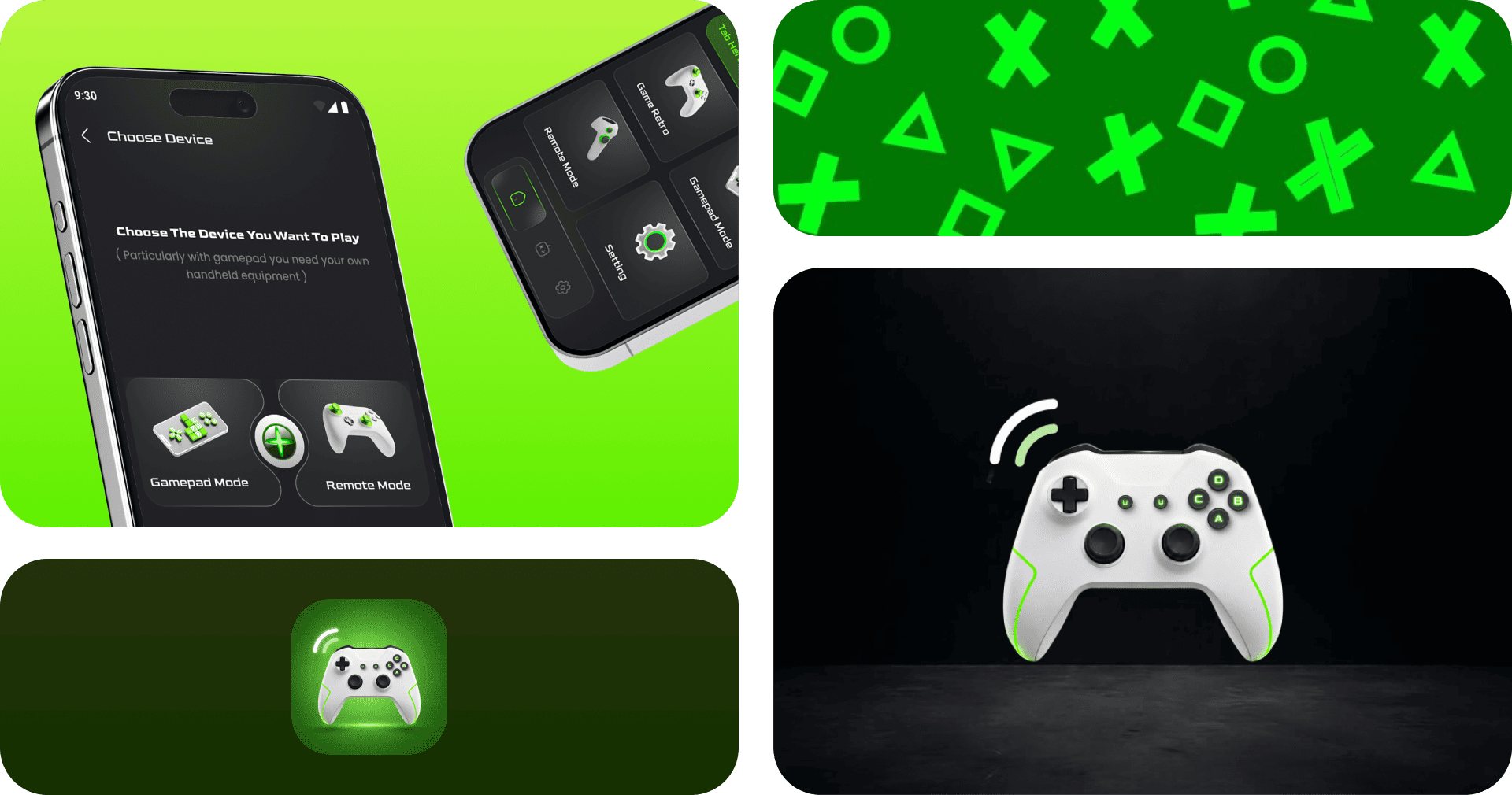
TURN YOUR PHONE INTO AN XBOX CONTROLLER
Enjoy flexible remote control and gaming right on your mobile deviceBased on the image, the main utilities of the app include
Intuitive Virtual Gamepad: Integrates full physical button layouts (D-Pad, X, Y, A, B, joysticks) on your phone screen for easy gaming and menu navigation.Flexible Mode Switching: Allows quick transitions between Gamepad Mode and Remote Mode depending on your needs.Direct Game Streaming: Streams your Xbox game screen straight to your phone for entertainment anywhere.Quick Connection: Features a straightforward "Connect" button alongside shortcut keys for smooth console pairing.
Seamless
Gaming Control
Transform your phone into an advanced Xbox controller and streaming hub, giving you total freedom to play, navigate media, and connect instantly anywhere.
Step 2
Solution
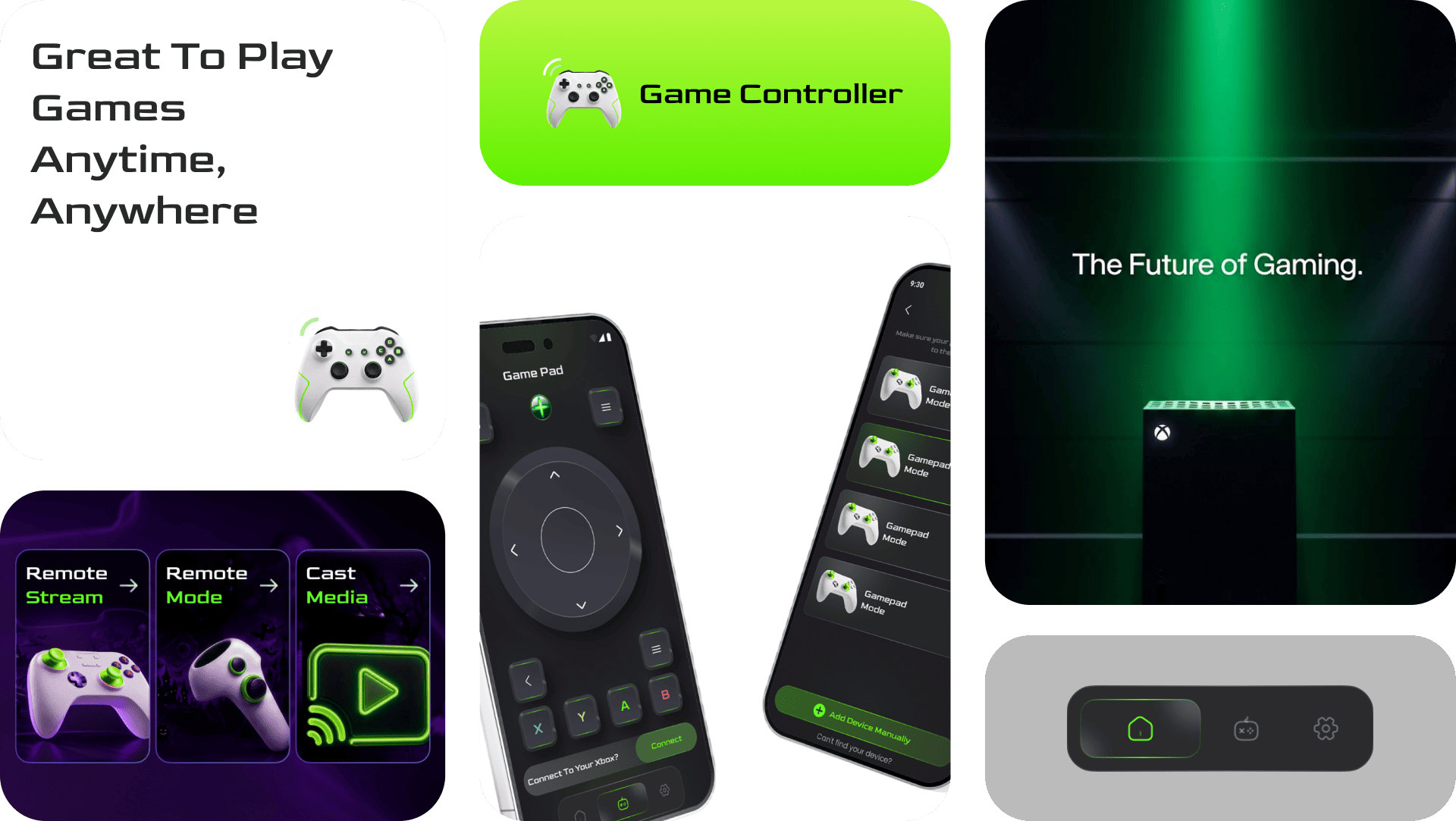
Precise Inputs and Effortless Console Control
Get instant access. Our intuitive interface brings virtual gamepads, remote play, and console management together into one smooth view for effortless gaming.
Typography
And Color
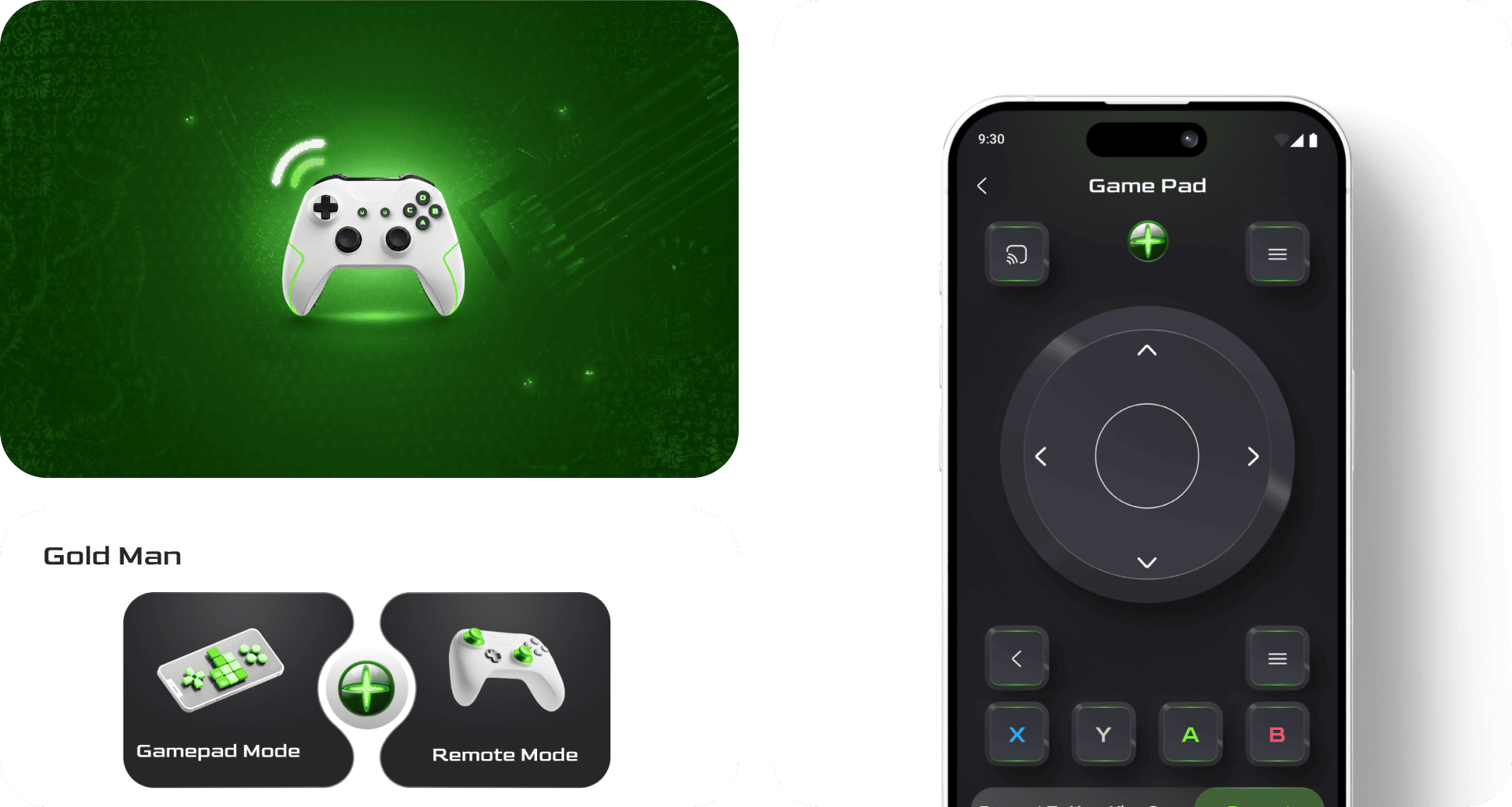
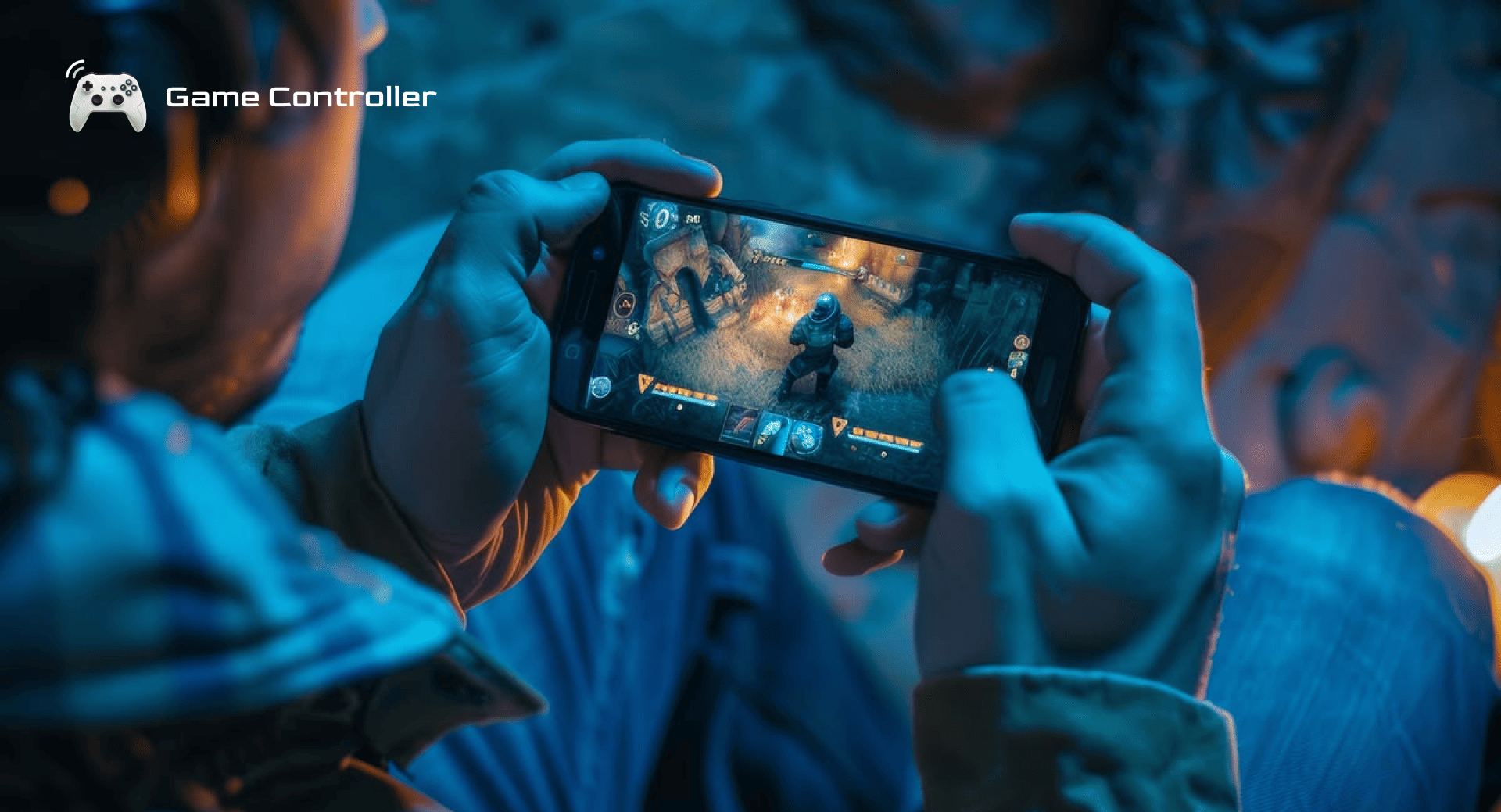
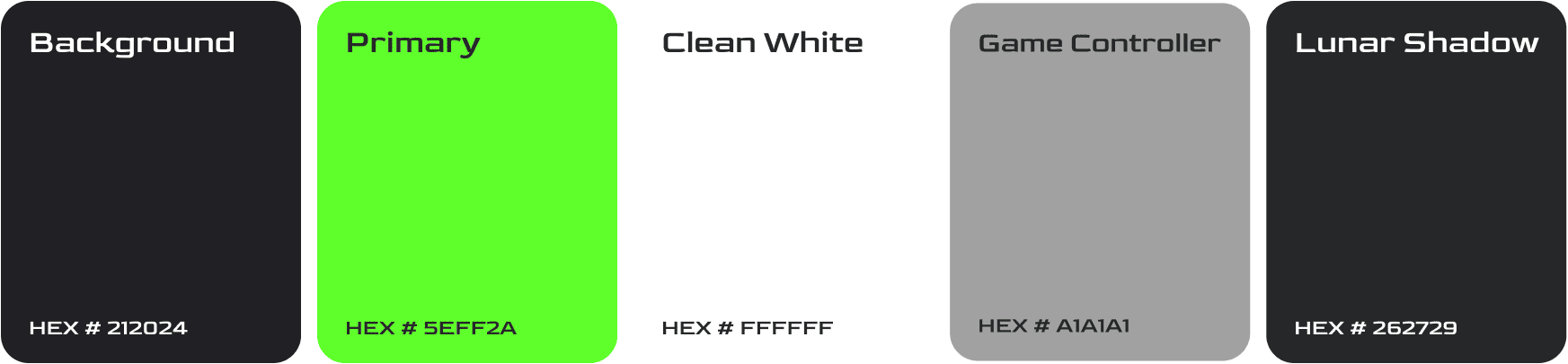
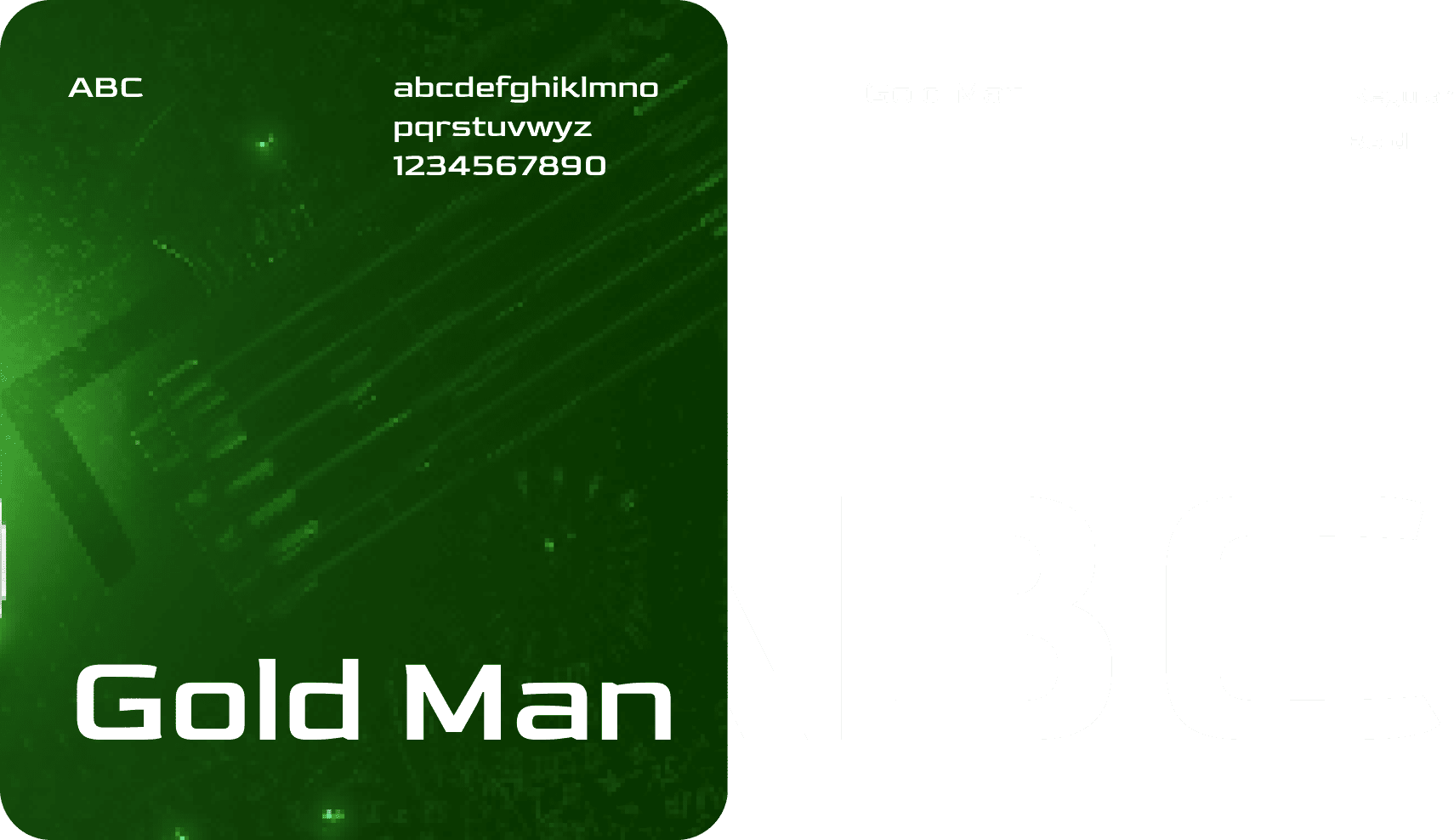
The visual style combines high-contrast modern typography with an Xbox-inspired dark neon palette. This creates a sleek, immersive, and responsive interface designed for fast gaming interactions and effortless console navigation.
Step 3
The Results
Outcomes
New games adopted the UI 40% faster, The design token system allowed seamless multi-theme customization.
By systematizing the embedded UI, we improved efficiency, consistency, and adaptability, ensuring a smoother experience for both game developers and players.


Game Remote
Visual System
Explore the Game Remote visual design system. This collection of screens demonstrates how consistent principles are applied throughout the interface, ensuring a seamless and immersive gaming experience.